@overlyyocean
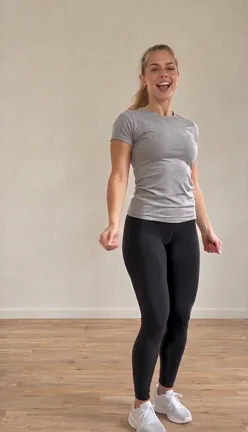
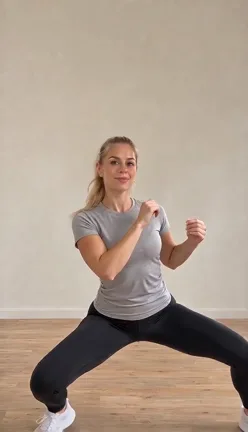
A solo dancer raises both arms, turns to the back and moves into a wide-stance bounce. This creator-post example uses a different performer and setting from our sample.
Solo · 1 full-body photo
One full-body photo. Your Pick It Up / Make It Jump dance. Your outfit and setting, with music included.
Same input photo · Two real generations
From USD 6.99 per 480p video
Create my dance ↗USD 6.99 · 1 × 480p
One-time purchase · No automatic renewal
Your photo and generated videos are private by default. Choosing a photo stays local until you continue. Read the privacy policy.
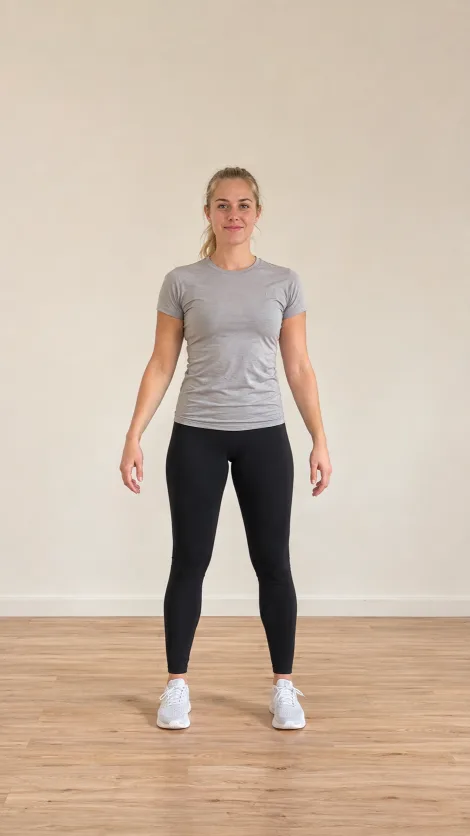
An AI-created adult character raises her arms, turns away and back, then moves into a wide-stance bounce in the room from her photo.
Adult sample ~14s · Vertical · 480p · Music
Real 480p sample · Actual input photo shown · Music included
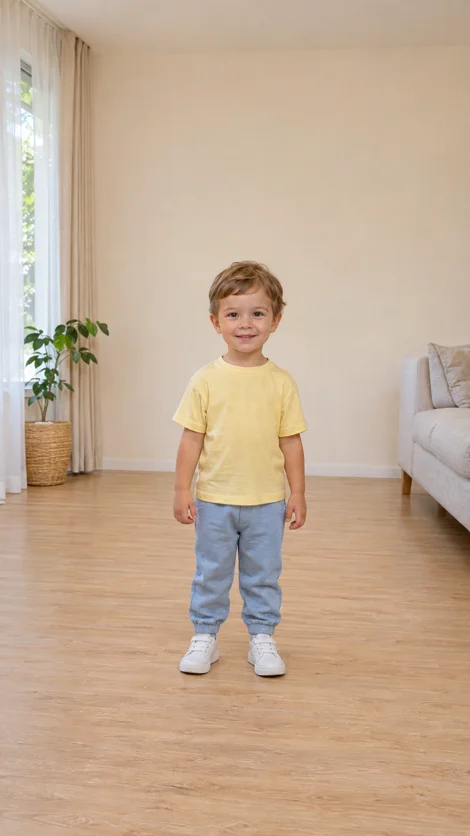
An AI-created toddler performs the prepared routine in the living room from the input photo. The yellow T-shirt, blue trousers, white shoes, left-hand window and plant, and right-hand sofa follow that photo.
Toddler sample 14s · Vertical · 480p · Music
Real 480p generation · Actual toddler input photo shown · Its own outfit and living room · Music included
A second real generation from the same adult input photo, rendered at native 720p with the prepared routine and music.
Adult sample ~14s · Vertical · 720p · Music
Real 720p generation · Same adult input photo as the 480p sample · Music included
The song. The moves. Your turn.
The Pick It Up dance is a short social-video routine built around raised arms, a turn to show the back, a return to the camera and a wide-legged bounce. It is also searched as the Make It Jump or Put Your Hands Up dance. The fun is seeing a familiar person suddenly perform the routine—without filming a dance themselves.
The original videos
Play the original TikTok videos here: tap a cover to load its player. Compare outdoor solo, office solo and corridor duo takes of the hands-up turn and low bounce. These creator posts are dance references, not VidMello results. VidMello generates one person per photo.
The players load only when you choose a video. Creator links below each player provide the original posts.
Sound lead (creator credit): DJ Zackkk · Open on TikTok
Open the linked original-sound page on TikTok
A solo dancer raises both arms, turns to the back and moves into a wide-stance bounce. This creator-post example uses a different performer and setting from our sample.
A solo performer interprets the dance in an office setting. Compare this creator’s raised-arm turn and wide-stance section with the outdoor and corridor takes.
Two performers raise their arms, turn away and return in a corridor with an exposed ceiling. This is a duo interpretation of the dance; the VidMello template generates a solo performer.
Clips belong to their creators and are shown with credit and a link to the original post. They were not made with VidMello. VidMello is an independent tool and is not affiliated with the artists, labels, or platforms named above. Creators can request removal at support@vidmello.com.
One full-body photo of one person · 14s dance format · Vertical 9:16 MP4. 480p: 5 Credits; 720p: 10 Credits. The smallest sufficient packs are Lite $6.99 for one 480p video or Starter $9.90 for one 720p video; the full pack price is paid upfront, with any applicable tax shown at checkout. Sign-in and photo permission are required. Your photo supplies the person, outfit and setting. The template supplies the dance. Download with the demo soundtrack or as a Silent MP4, without a VidMello watermark. Watch the adult and toddler input/output examples; the adult is shown in real 480p and 720p generations, and the toddler in 480p, each paired with its actual input photo.
The template supplies the hands-up turn, hip sways and wide-stance bounce. Your photo supplies the performer, outfit and setting. Create a new dance video from your photo without filming yourself, finding a reference or writing a prompt.
Find this routine under Pick It Up Dance AI, Make It Jump or Put Your Hands Up. Here, all three names refer to the hands-up turn, back-facing groove and low bounce shown in the creator videos above.
01
Use a clear, front-facing photo of one person you have permission to animate. For a child’s photo, you must be their parent or legal guardian, or have that guardian’s permission. Keep the full outfit and feet visible, with space around the body.
02
Sign in to continue. If you need Credits, choose a one-time pack. Payment returns you to the saved photo and does not start a video automatically.
03
Choose 480p for 5 Credits or 720p for 10 Credits. Once accepted, generation keeps running if you leave the page. Return to private History to preview and download both the music and Silent MP4 versions.
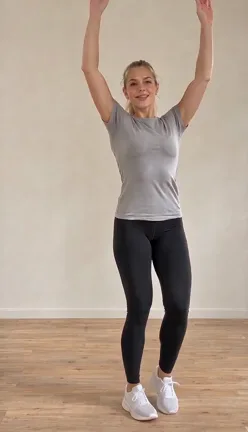
01
The performer lifts both arms before turning away from the camera.
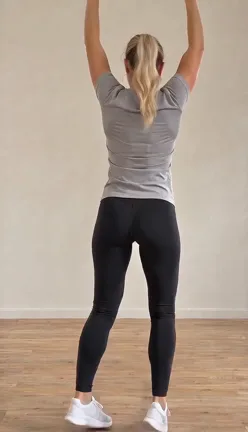
02
The back-facing section carries the overhead pose and side-to-side weight shifts.
03
The performer turns back into view, bringing the face and outfit into focus again.
04
A wide stance and low bounce finish the routine’s main movement.
Follow the routine in our adult sample ~14s with this beat-by-beat guide.
| Time | Dance movement |
|---|---|
| 0–2 seconds | Groove facing the camera and raise both arms. |
| 2–6 seconds | Turn away with arms overhead and sway side to side. |
| 6–9 seconds | Turn back toward the camera and reset the stance. |
| 9–13 seconds | Drop into the wide-stance bounce. |
| 13–14 seconds | Rise and open the arms to finish. |
Creator posts credit the sound to DJZACKKK. Follow the creator-credit link below.
DJ Zackkk · creator credit ↗@overlyyocean performs the raised-arm turn and low bounce outdoors at night.
Watch the outdoor original ↗@vibewit_tris brings the routine into an office, showing the same dance in another everyday setting.
Watch the office original ↗@tylermoor3 posts a two-person interpretation. VidMello’s template remains a solo, one-photo generation.
Watch the corridor original ↗Share your dance with #PickItUpDance #MakeItJump #PutYourHandsUp #AIDance. Download with the included music, or use the Silent MP4 to add an authorized platform sound.
Use a clear photo in clothing you want to see moving. A head-to-toe image gives the model more of the real outfit to follow.
Create my danceAnimate one family member at a time. For a child’s photo, you must be their parent or legal guardian, or have that guardian’s permission. See the toddler sample and its input before choosing your photo.
Create my danceMake a separate solo clip for a friend who agrees. This template uses one person per photo; it does not make a synchronized group dance.
Create my dancePick your way to make it
With VidMello, the solo dance reference, soundtrack and export are already prepared. Upload one full-body photo and choose 480p or 720p. CapCut offers editing and template workflows.
| Your workflow | VidMello Pick It Up | CapCut templates |
|---|---|---|
| Start | Open this page and choose one full-body photo. | Find a template in CapCut or follow a supported TikTok template link. |
| Create | The prepared reference guides a new AI dance using your photo’s person, clothes and setting. | Replace a template’s photo or video slots, then preview and edit its content. |
| Output | 14s dance format, vertical 480p or 720p; music and Silent MP4 downloads. | Export options and access depend on the selected template, app version and region. |
VidMello: one full-body photo → prepared solo Pick It Up dance + music + Silent MP4, no prompt and no dance clip to film. CapCut: find or follow a template, then edit slots in-app. Choose VidMello when you want the dance reference and export ready on the web; use CapCut when you already edit inside that app. Both tools are independent; no affiliation is implied. CapCut’s official template guide
Create my dance ↗Keep the included audio for a ready-to-share video, or download the Silent MP4 to add your own track in another editor. Both versions use the same generated visuals, with no extra Credits.
The same Credits work across VidMello templates. Pick It Up uses 5 Credits at 480p or 10 Credits at 720p; review the total pack price before buying.
5 Credits
US$6.99 once
One-time purchase · No automatic renewal
1 video at 480p. For 720p, choose a pack with at least 10 Credits.
10 Credits
US$9.90 once
One-time purchase · No automatic renewal
2 videos at 480p, or 1 video at 720p
29% less per 480p video vs. Lite
30 Credits
US$24.90 once
One-time purchase · No automatic renewal
6 videos at 480p, or 3 videos at 720p
41% less per 480p video vs. Lite
80 Credits
US$59.90 once
One-time purchase · No automatic renewal
16 videos at 480p, or 8 videos at 720p
46% less per 480p video vs. Lite
If available, local-currency prices include Stripe’s conversion fee. Some Amex cards may require USD.
Creator posts credit the sound to DJZACKKK. Some write-ups name lilcoco (around Sep 19, 2026) for early choreography. We link reported posts below; credits stay with creators.
On this page, yes. Make It Jump and Put Your Hands Up are alternate names for the Pick It Up routine shown in the linked TikTok references: arms up, a turn to the back, a return to the camera and a wide-stance bounce. You can use this same one-photo template for that version of the dance.
Choose one full-body photo, confirm permission and sign in. Review the Credit cost, then start the prepared dance. You do not need to upload a dance video or write a prompt; the template supplies the motion reference.
480p costs 5 Credits per video; 720p costs 10 Credits. One-time packs start at $6.99; there is no subscription or automatic renewal. Registration does not include free Credits. Choosing a photo is free. Generation uses Credits; buy a one-time pack when your balance is insufficient. Downloading a completed video costs no extra.
Your photo supplies the face, hair, outfit and setting; the template supplies the routine. The adult and toddler examples show two different outfits and rooms from their actual input photos. See the result and sharing notes beside the workspace for details.
Yes. Choose 480p for 5 Credits or 720p for 10 Credits. Both use the same prepared routine and your photo’s person, outfit and setting. Adult samples: 480p and 720p · Toddler sample: 480p.
A vertical 9:16 dance MP4 in the 14-second format at your selected 480p or 720p resolution. Private History includes two downloads: with the prepared music and as a Silent MP4, at no extra Credits and without a VidMello watermark.
Yes for the prepared routine: arms up, turn to the back, return to camera, wide-stance bounce—same structure as the adult and toddler samples. Your photo supplies the performer. Always preview the full MP4 in History before posting.
Yes, with a clear, fully clothed, full-body photo of one child. You must be their parent or legal guardian, or have that guardian’s permission. A standing photo with visible hands and feet gives the dance more detail to follow. See the actual toddler input photo and its generated dance above.
Use one person per photo and make sure you have permission. You can make separate clips for friends or family, but this template does not make synchronized group choreography. Pets and cartoon characters are not offered. See the real adult and toddler photo-to-dance examples above, each paired with the actual input photo.
Soundtrack is the prepared demo track timed to this routine. Prefer a platform sound? Download the Silent MP4 and add an authorized track.
Yes. Private History includes both MP4 versions of the same generated dance, at no extra Credits. They keep the same visuals, framing and expiry date. Add a different track to the Silent MP4 in another editor.
Download the MP4 from private History without a VidMello watermark. The phone frame, social icons and @vidmello label on this page are preview overlays and are not added to your download.
Technical generation failures follow VidMello’s existing Credit-return policy. Preview before posting. Extra generations use Credits.
Choosing a local photo previews it on this device. Generation uploads the photo for processing after you continue. Your uploads and History are private by default; retention and deletion follow the Privacy Policy.
One photo supplies the person and setting. The template supplies the routine and sample music.
Create my dance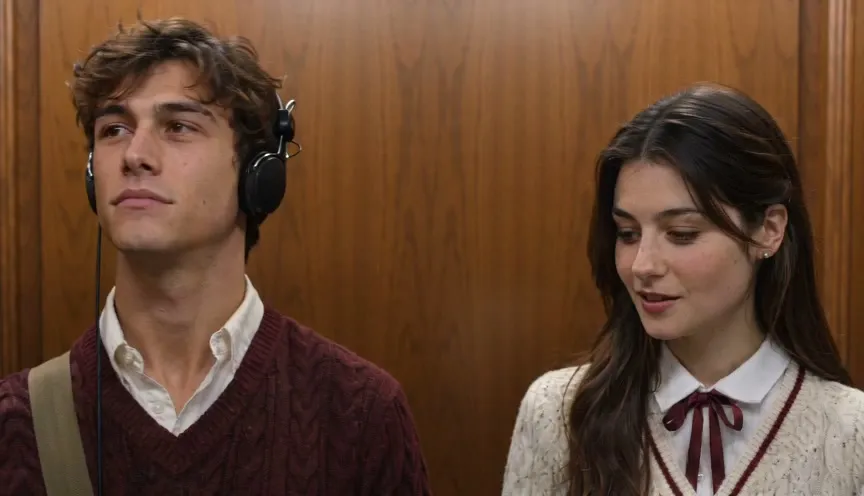
Put yourself and someone you care about into the I Love The Smiths AI elevator meet-cute—two portraits, your outfits, soundtrack included.
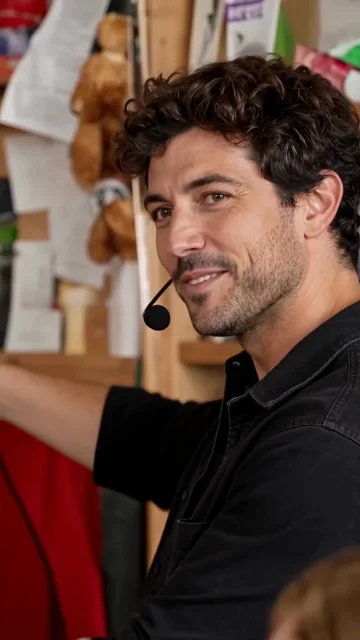
Replace all five band members or only selected roles. Get the complete 19-second Tiny Desk AI video with the same Outstanding sample soundtrack.
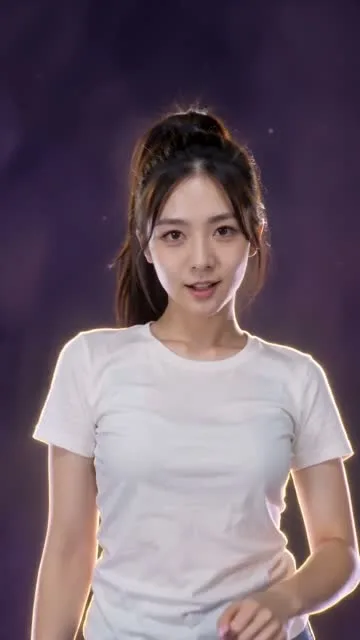
Animate a real person or cartoon character on a purple cosmic stage, with hand gestures, arm sweeps and a rotating finish.
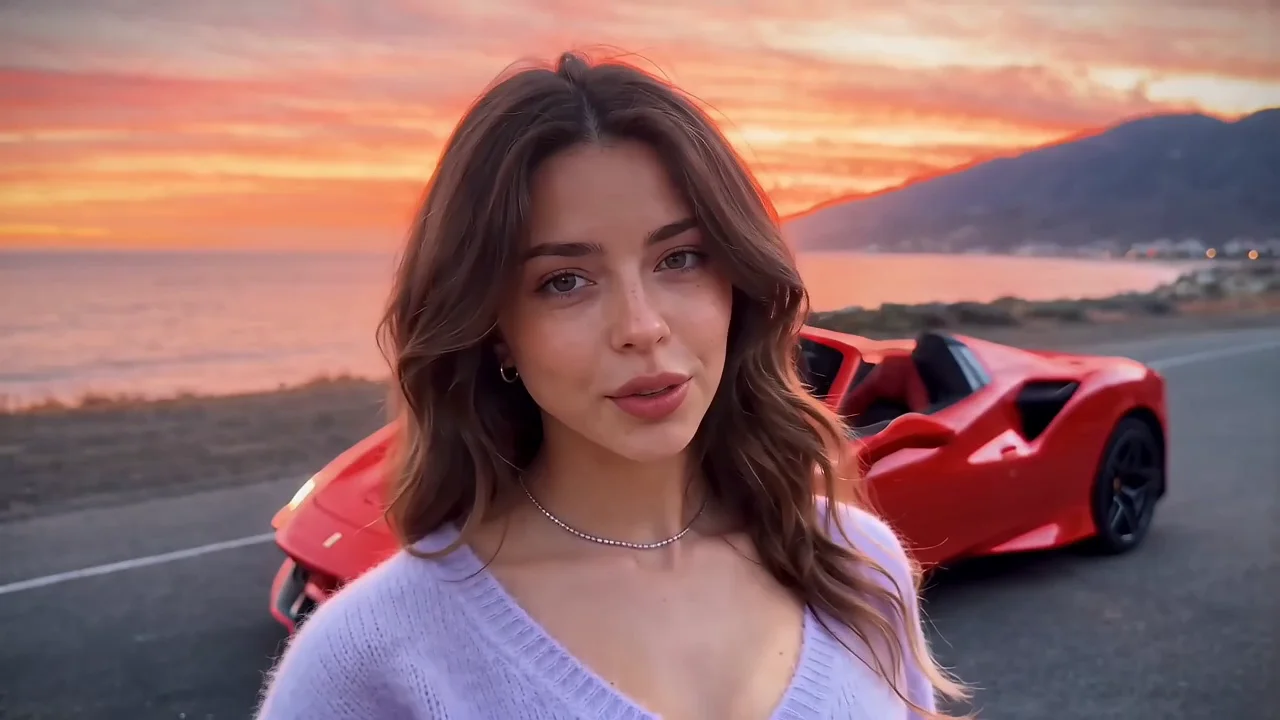
Make the Unforgettable car trend with your portrait, a car photo and one of four settings. Music included.
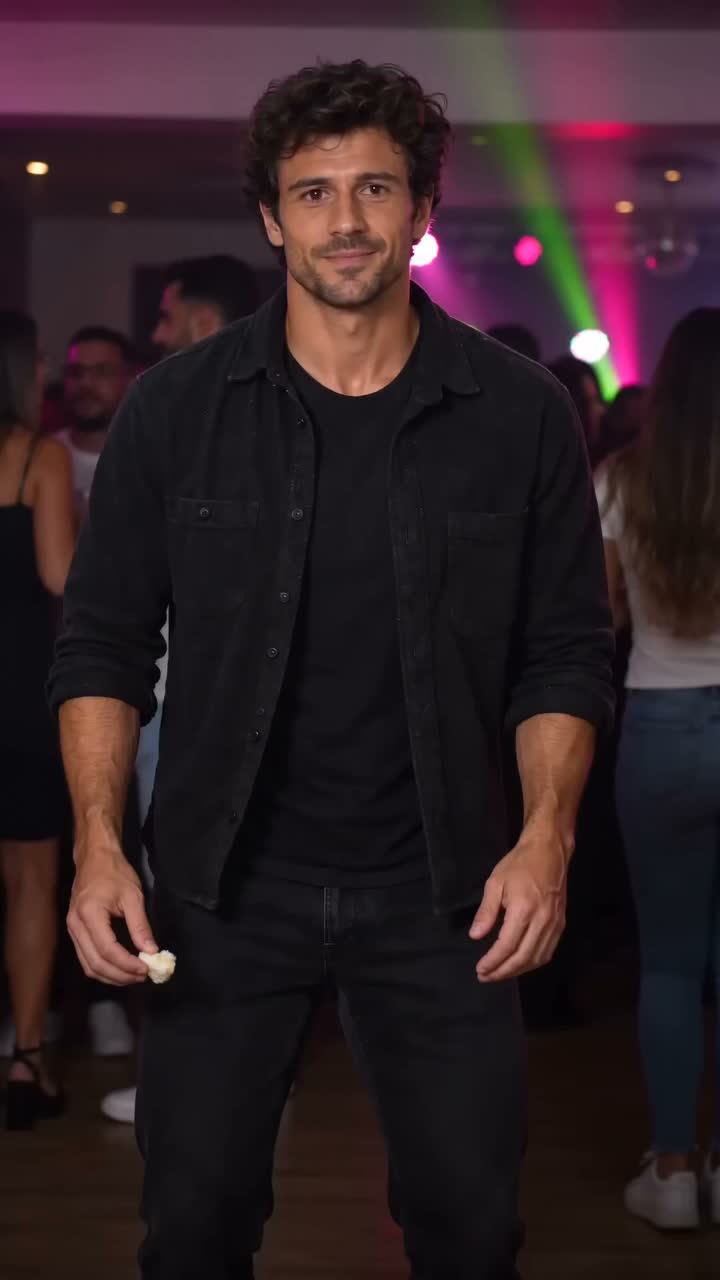
Your portrait in the bread-bite party dance: a relaxed sway, puffed cheeks and a turn back into the crowd.
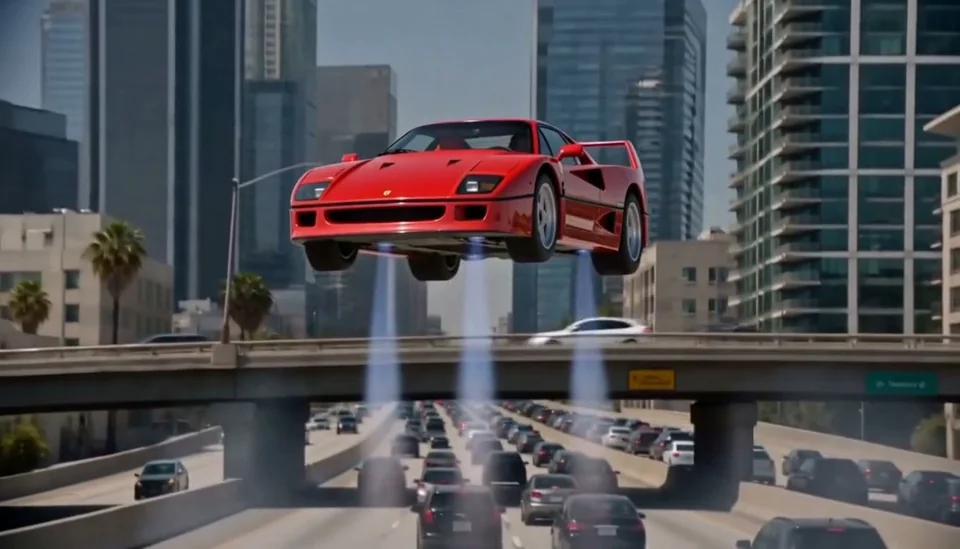
Put your portrait and car into a cinematic traffic-to-flight video.
An invisible ride, one front flip and a high-energy getaway.
Turn two photos into a Hotel Lobby–style rap duo. Demo music included, with audio and Silent downloads.
Turn one portrait into a solo rap performance in a warm VIP lounge, with demo music.
Create a zombie love story starring you and your partner: recognition, an embrace and a golden memory.