
Searchlight Pictures · @searchlightpics
The headphones, shared music taste and surprised look. Silent film excerpt.
Two people · Two portraits · Elevator meet-cute
Turn two portraits into the I Love The Smiths AI elevator scene from (500) Days of Summer—headphones down, the shared-music line, that surprised look. About 15 seconds, 16:9 landscape, dialogue and music included.
Two photos. One elevator meet-cute. Your faces, hairstyles and outfits. Soundtrack + silent MP4. One-time packs from $6.99 · no subscription.
USD 6.99 · 1 × 480p
One-time purchase · No automatic renewal
Credits return automatically if generation fails before delivery. Refund Policy
5 Credits = one 480p video; 10 Credits = one 720p video
Choose your photosSee how these two portraits become a new elevator scene, with their faces, hairstyles and formal outfits. This is the actual generated result with the soundtrack included.
The original videos
Watch the film scene and @battos13’s AI recreation here. Your VidMello version uses your own two portraits.
The headphones, shared music taste and surprised look. Silent film excerpt.
A continuous elevator two-shot: headphones come down, a conversation starts, and surprise turns into a smile.
Reference clips belong to the credited creators and were not made with VidMello. VidMello is independent and is not affiliated with the film, artists or platforms. For attribution or removal requests, contact support@vidmello.com.
The I Love The Smiths AI trend recreates the (500) Days of Summer (2009) elevator meet-cute with two portrait photos. One person listens on headphones; the other recognizes the music and starts the exchange. A missed remark, a second try, and a surprised look turn an ordinary ride into a connection.
Your photos guide faces, hairstyles and outfits. The template supplies the wood-paneled elevator, headphones and conversation. Two everyday portraits are enough—no filming together, no scene setup, no prompt writing.
Step 1
Pick a clear everyday portrait for the listener. The template adds the headphones and elevator setting.
Step 2
Add a separate portrait for the person who starts the conversation. Swap the roles to try the other pairing.
Step 3
Choose 480p or 720p, confirm permission and sign in. Review the Credit cost and generate, then preview and download your finished video in History.
A missed remark, the headphones coming down, and a connection.
Two people share an elevator. The headphones keep the listener in their own world.
The speaker notices the music and turns toward the listener.
The listener adjusts the headphones. A second remark makes the connection clear.
The listener’s surprised reaction is the beat this scene is built around—the moment people remake.
Try each person as the listener, then swap who starts the conversation.
Choose your photosChoose VidMello for a landscape elevator meet-cute, a small one-time starter pack, and both soundtrack and silent MP4 downloads. MakeViral also offers a dedicated two-photo template (vertical).
| VidMello | MakeViral | |
|---|---|---|
| Video | About 15s · 16:9 · 480p or 720p | 15s · 9:16 · 720p |
| Starting purchase | Lite $6.99: 5 Credits, one 480p video. Starter $9.90: 10 Credits, one 720p video. | $39.99: 450 credits; this template uses 189 credits per video. |
| Downloads | MP4 with soundtrack + silent MP4; no VidMello watermark | MP4 with spoken lines; no watermark |
Official page checked November 9, 2026. Starting purchases are pack totals, not a per-video price comparison. MakeViral template and pricing ↗
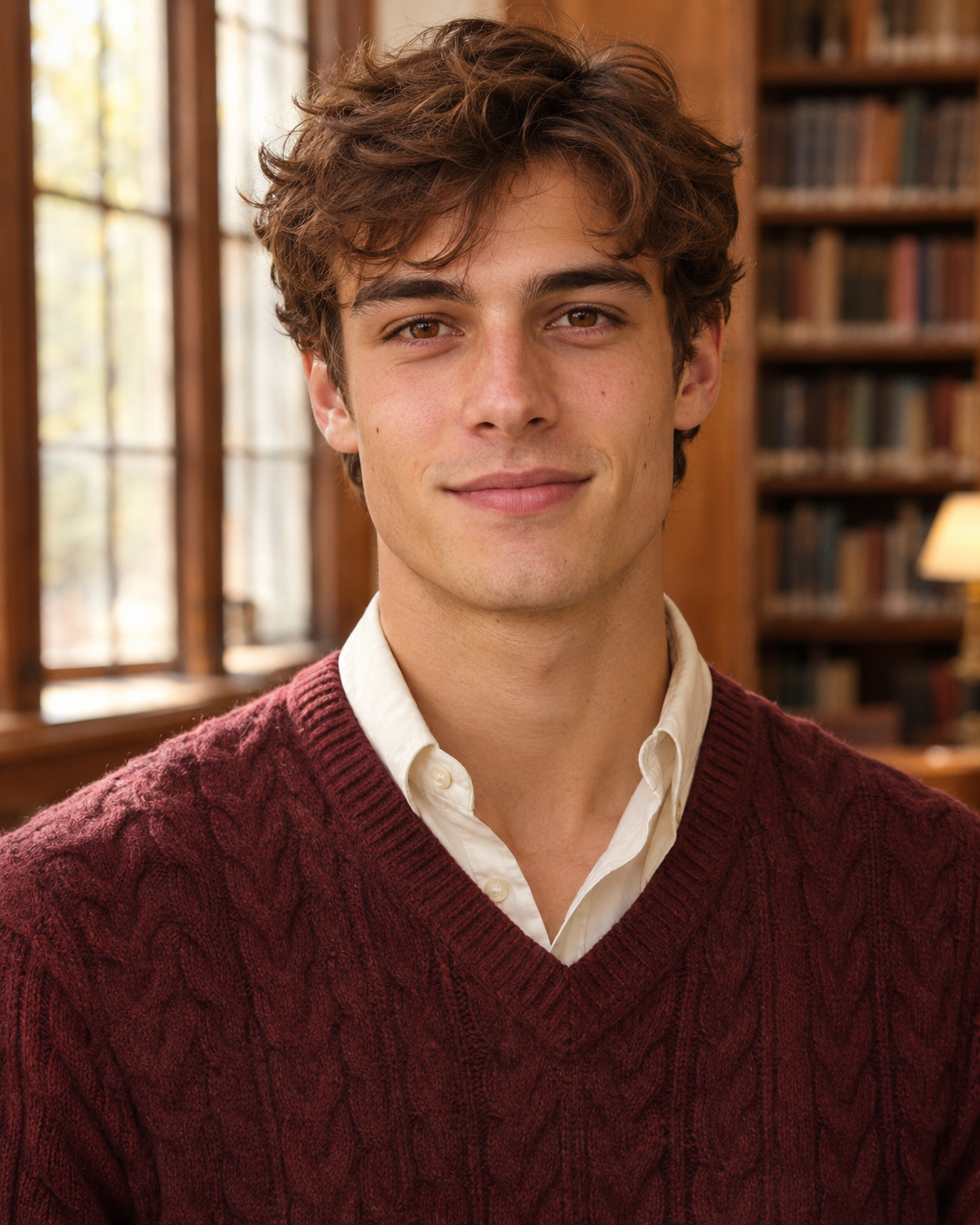
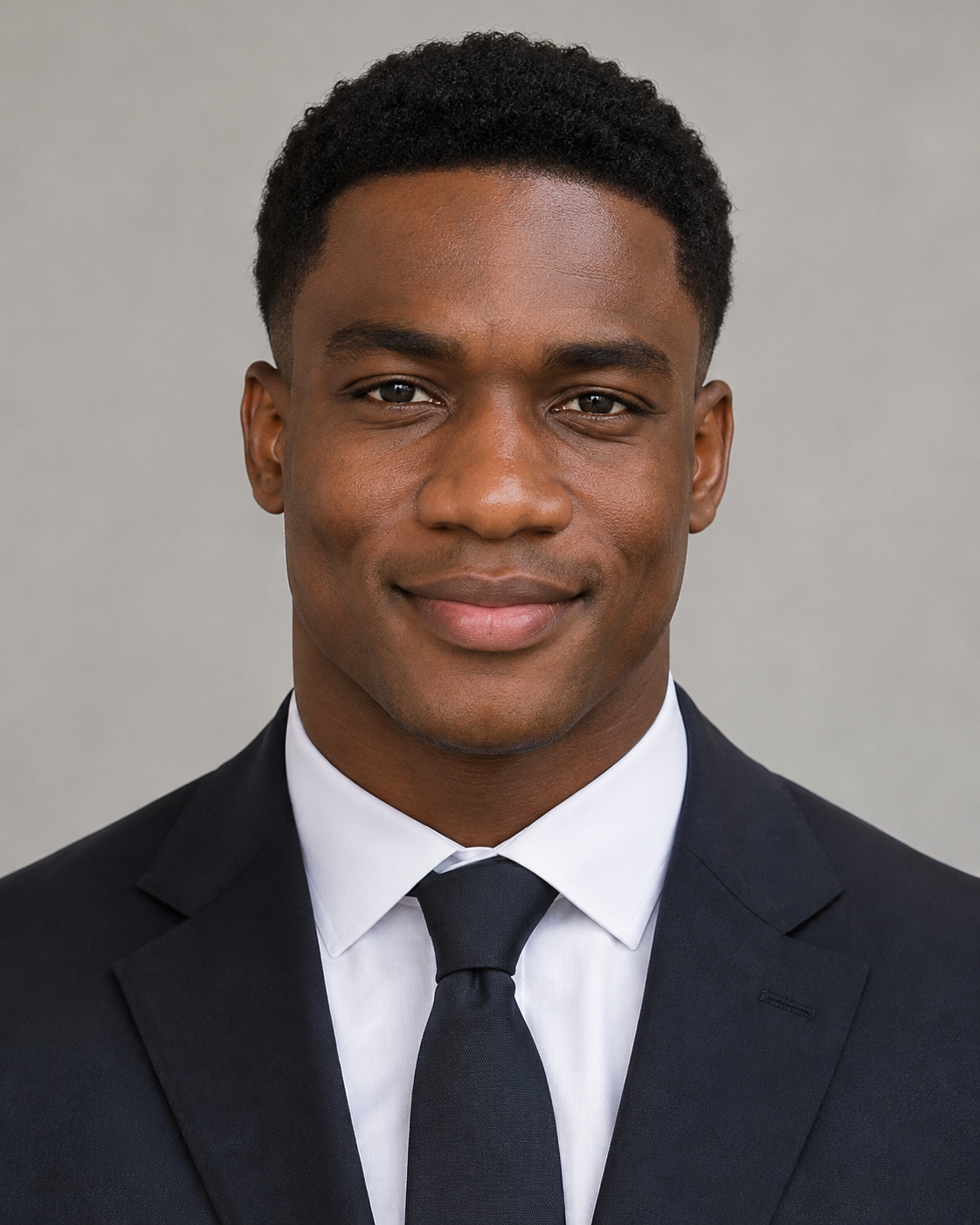
Two separate, clear head-and-shoulders portraits. One adult per photo, with their face, hairstyle and outfit visible.
5 Credits = one 480p video; 10 Credits = one 720p video. Packs start at $6.99, paid once with no subscription. Credits work across VidMello templates.
5 Credits
US$6.99 once
One-time purchase · No automatic renewal
1 video at 480p. For 720p, choose a pack with at least 10 Credits.
10 Credits
US$9.90 once
One-time purchase · No automatic renewal
2 videos at 480p, or 1 video at 720p
29% less per 480p video vs. Lite
30 Credits
US$24.90 once
One-time purchase · No automatic renewal
6 videos at 480p, or 3 videos at 720p
41% less per 480p video vs. Lite
80 Credits
US$59.90 once
One-time purchase · No automatic renewal
16 videos at 480p, or 8 videos at 720p
46% less per 480p video vs. Lite
If available, local-currency prices include Stripe’s conversion fee. Some Amex cards may require USD.
Choose two clear portraits: one listener and one speaker. Your photos supply the people and outfits; VidMello supplies the elevator, headphones and interaction. Choose 480p or 720p, confirm permission and sign in, then generate. Find the finished video in private History.
Photo 1 is the listener on the left, wearing headphones. Photo 2 is the speaker on the right, who starts the conversation. Use Swap roles to change who makes the first move. Either role can be played by any adult.
Use two separate everyday portraits, one person each. VidMello places you together in the elevator scene, complete with headphones.
Your photos guide each person’s face, hairstyle and outfit. The template supplies the wood-paneled elevator, headphones and conversation. See the two actual input portraits beside our generated sample to compare the look and result.
The elevator meet-cute is from (500) Days of Summer (2009). Watch the film scene and @battos13’s AI elevator recreation in the embedded players above, then compare them with VidMello’s two-photo sample.
Choose 480p or 720p in 16:9 landscape; this template offers landscape output only. The real 480p sample runs 15.04 seconds at 864 × 496 pixels and 24 fps, using the two portraits shown.
Yes—the sample’s spoken dialogue and music are included. Lines and voices are fixed; your photos guide appearance. The scene follows the conversation’s rhythm, while exact word-for-word lip sync varies between generations. Preview with sound before sharing.
The $6.99 Lite pack includes 5 Credits for one 480p video. The $9.90 Starter pack includes 10 Credits for one 720p video or two 480p videos. Each purchase is a one-time payment, with no subscription or automatic renewal.
You can watch the samples, choose your photos and preview them for free. Creating a video uses paid Credits: 5 for 480p or 10 for 720p. The $6.99 Lite pack covers one 480p video. Signing up does not include free generation Credits.
Most videos finish within 3–5 minutes. Your video processes in the background; check History for its status, preview and download.
Yes. Use VidMello in your phone’s browser, choose two portraits from your photo library, select 480p or 720p, and generate. Download the finished MP4 from History. JPG, PNG and WebP photos are supported; export iPhone HEIC or HEIF photos as JPG or PNG before choosing them.
Yes. Each completed video includes an MP4 with the elevator soundtrack and a silent MP4 in History, at no extra Credits. Same visuals and expiry. To use your own music, add an authorized track to the silent MP4 in another editor. Included music does not grant a separate commercial music license.
Failed before delivery? Your reserved Credits return automatically. Completed videos use Credits, including new versions you choose to generate. A completed video is not refundable solely because the creative result differs from expectations. Contact support for technical problems or unused pack refund requests; see the Refund Policy.
Your downloaded MP4 has no VidMello watermark. Preview the full result in History, then download it to share or edit.
Photos preview on your device and upload when you start generation. The services needed to generate and deliver your video process those photos. Uploads and results are private by default, with media kept for up to 30 days. Download your video before it expires; see the Privacy Policy for data handling and deletion requests.
Two photos. One elevator. Your I Love The Smiths AI meet-cute.
Choose your photos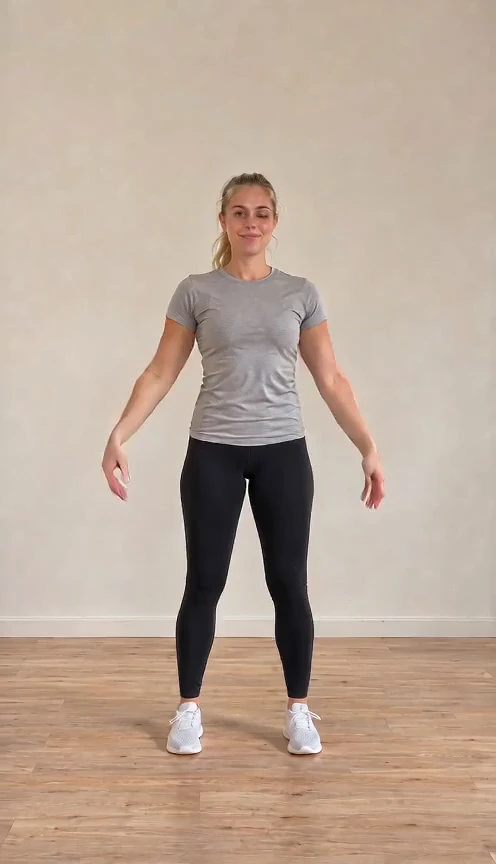
Put yourself into the Pick It Up dance: arms up, a turn to the back, then a wide-stance bounce, using your photo’s person and setting.
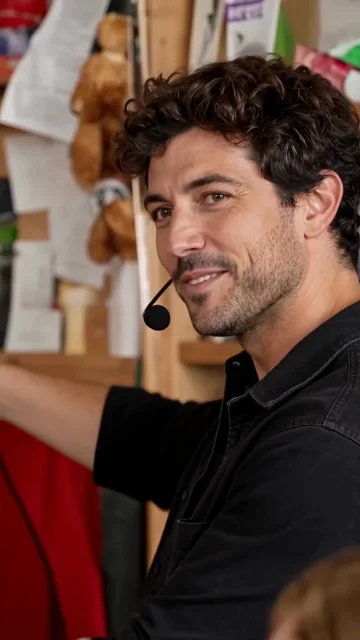
Replace all five band members or only selected roles. Get the complete 19-second Tiny Desk AI video with the same Outstanding sample soundtrack.
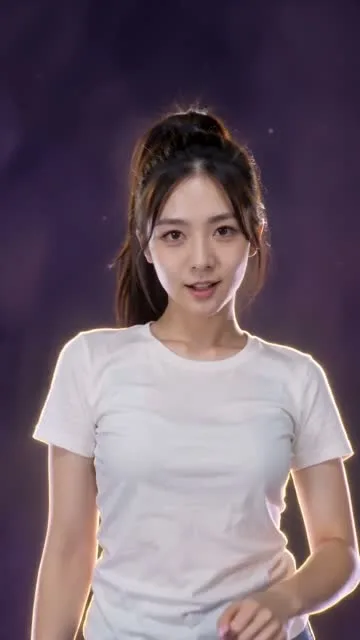
Animate a real person or cartoon character on a purple cosmic stage, with hand gestures, arm sweeps and a rotating finish.
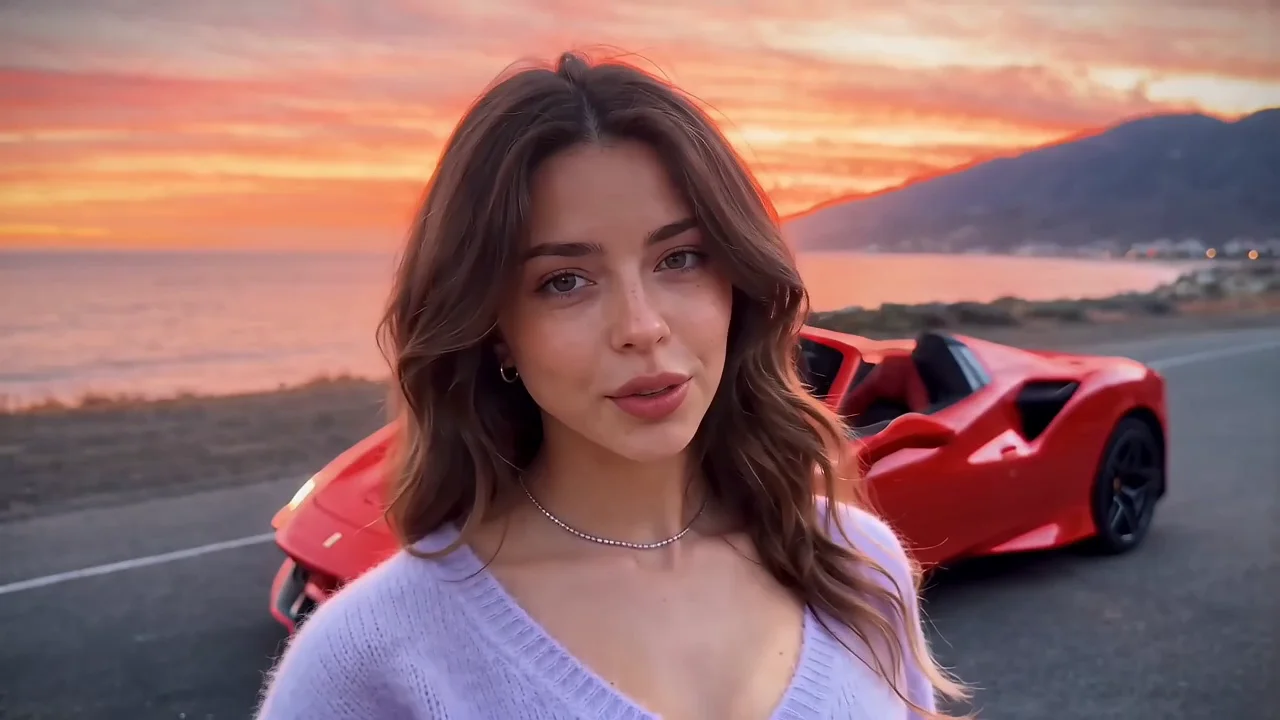
Make the Unforgettable car trend with your portrait, a car photo and one of four settings. Music included.
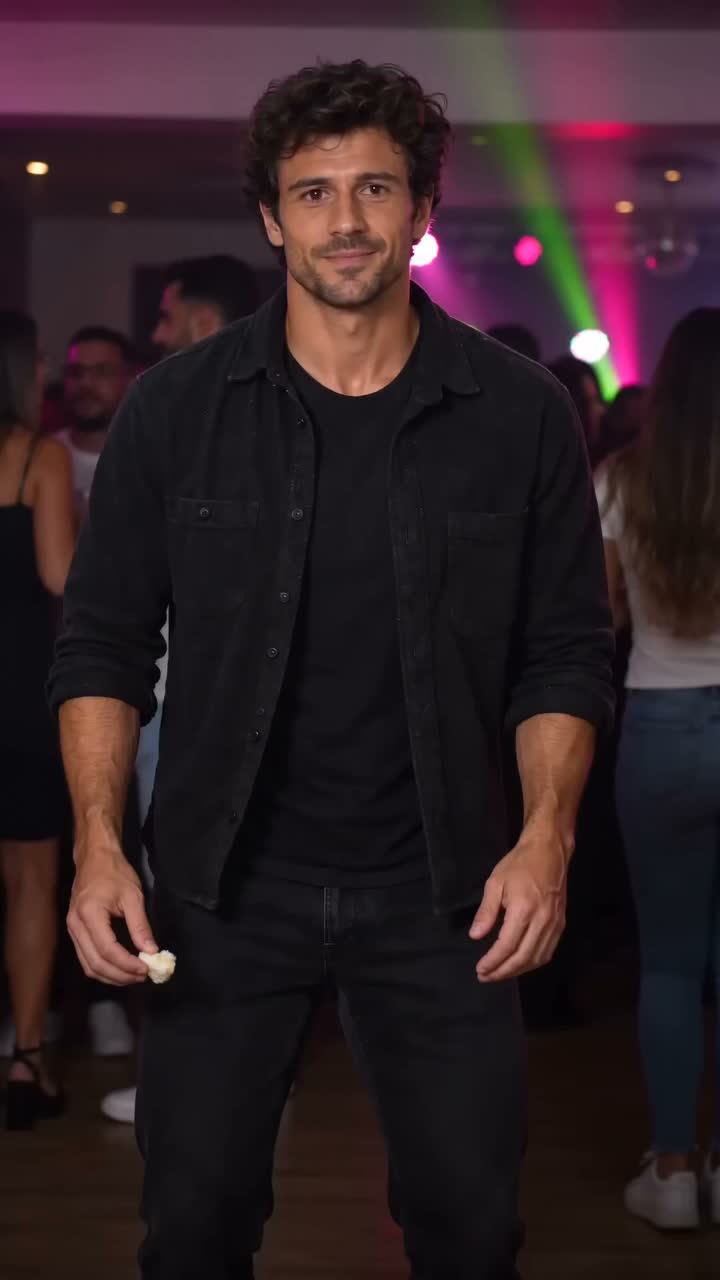
Your portrait in the bread-bite party dance: a relaxed sway, puffed cheeks and a turn back into the crowd.
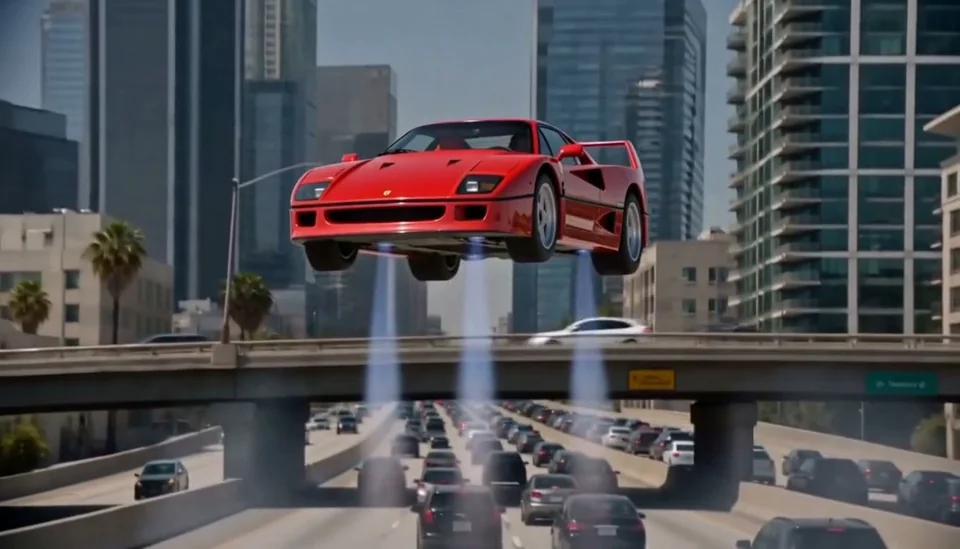
Put your portrait and car into a cinematic traffic-to-flight video.
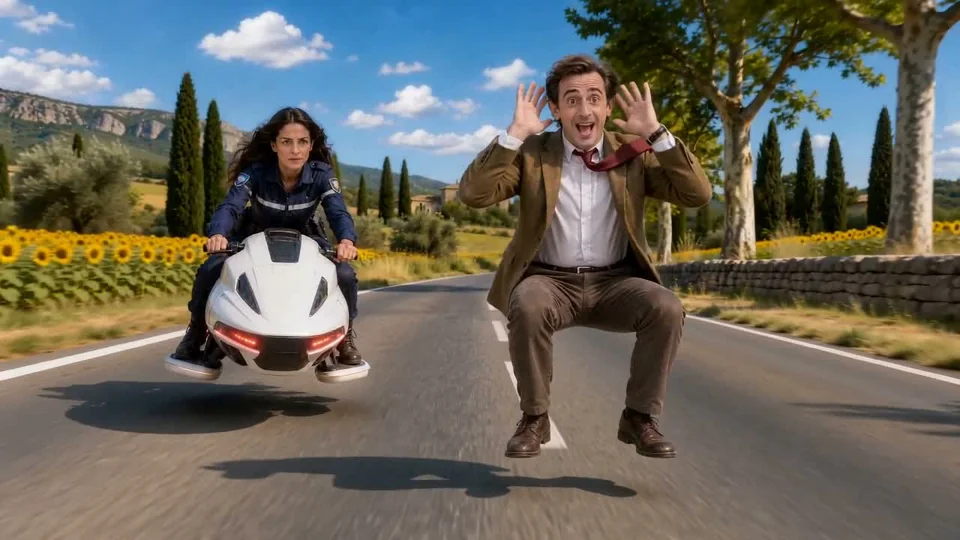
An invisible ride, one front flip and a high-energy getaway.
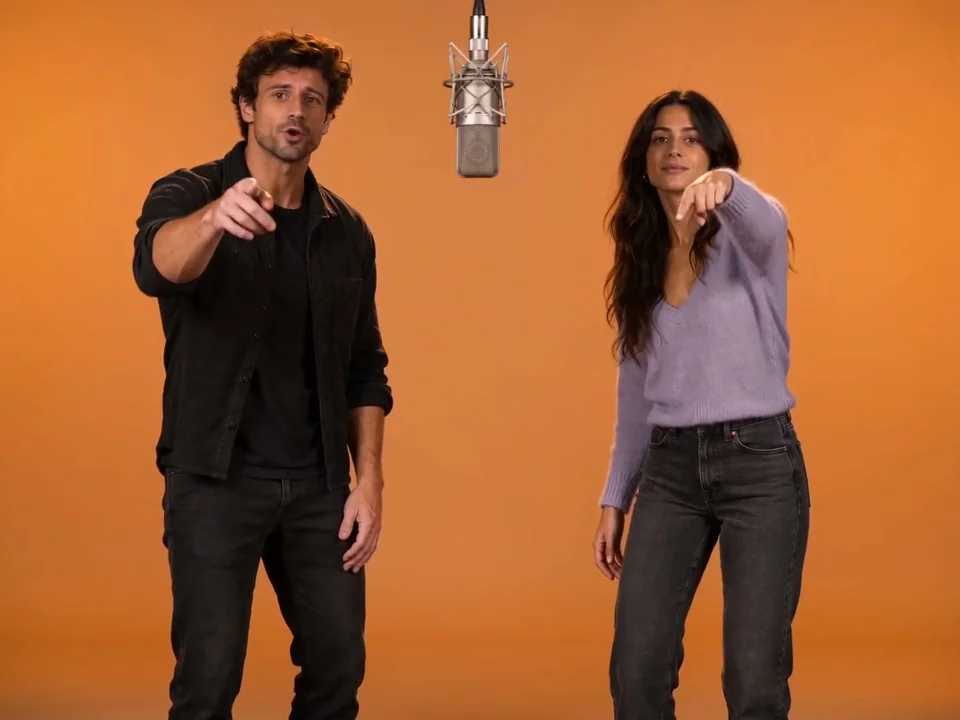
Turn two photos into a Hotel Lobby–style rap duo. Demo music included, with audio and Silent downloads.
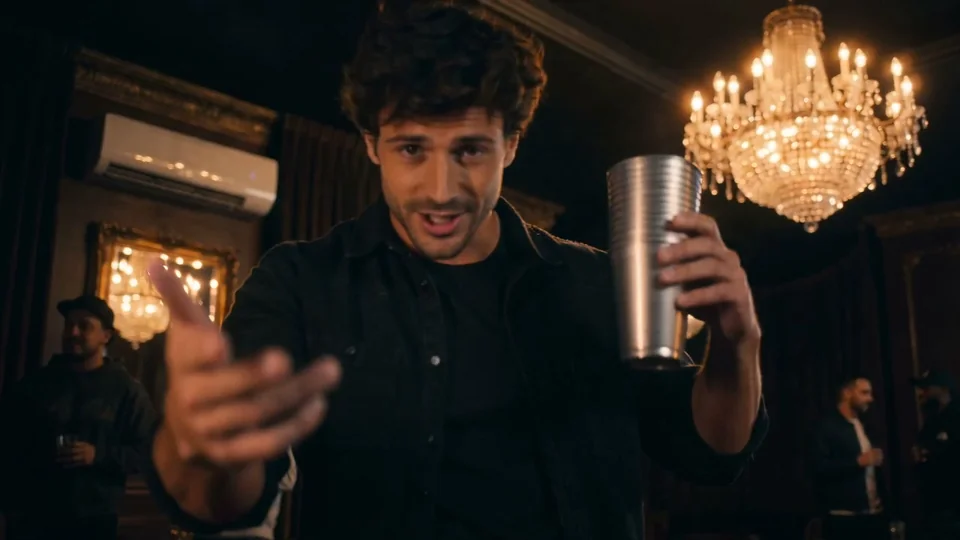
Turn one portrait into a solo rap performance in a warm VIP lounge, with demo music.
Create a zombie love story starring you and your partner: recognition, an embrace and a golden memory.