What is a photo to video AI generator?
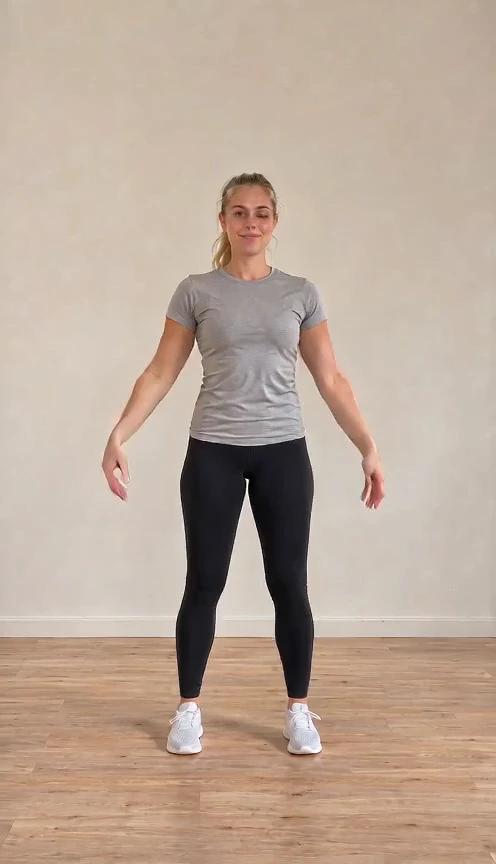
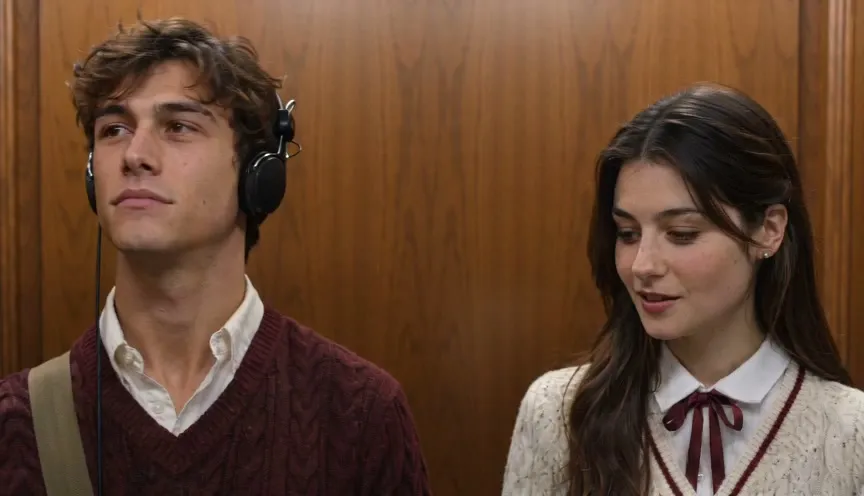
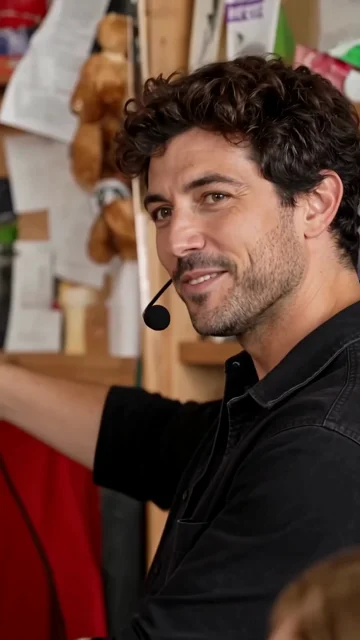
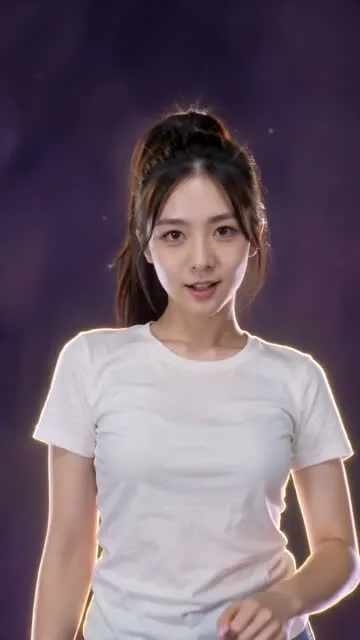
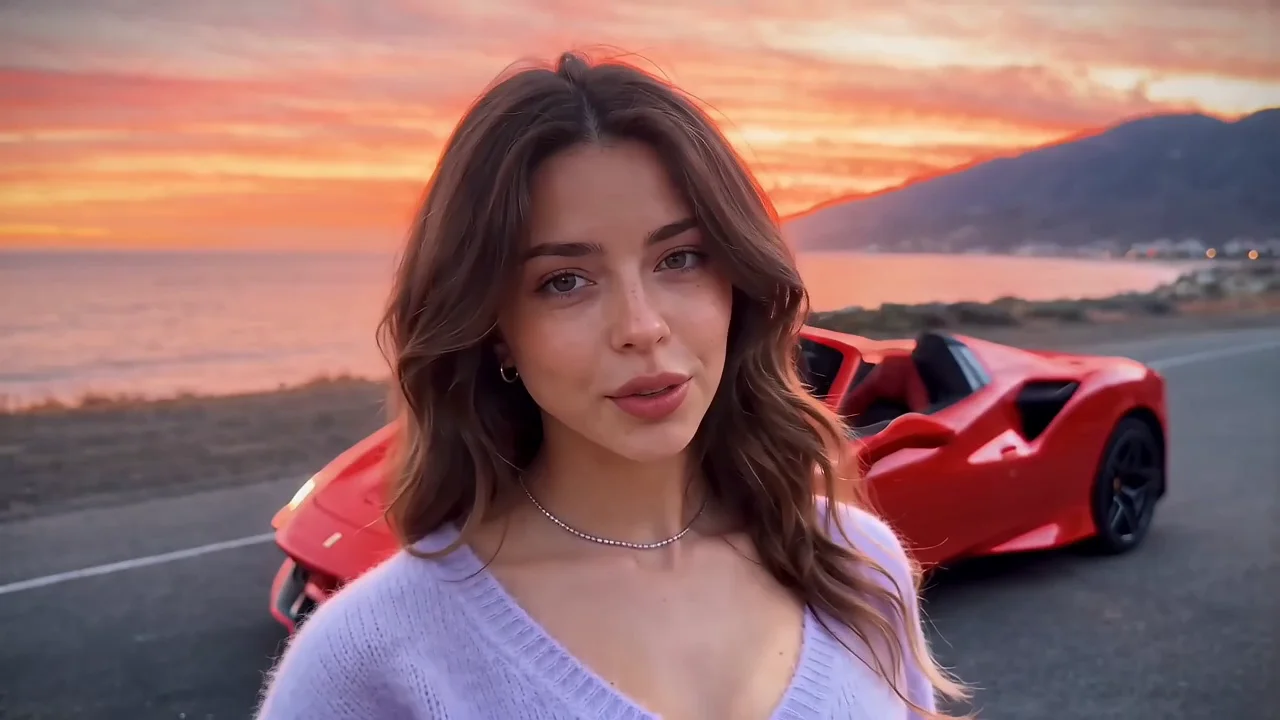
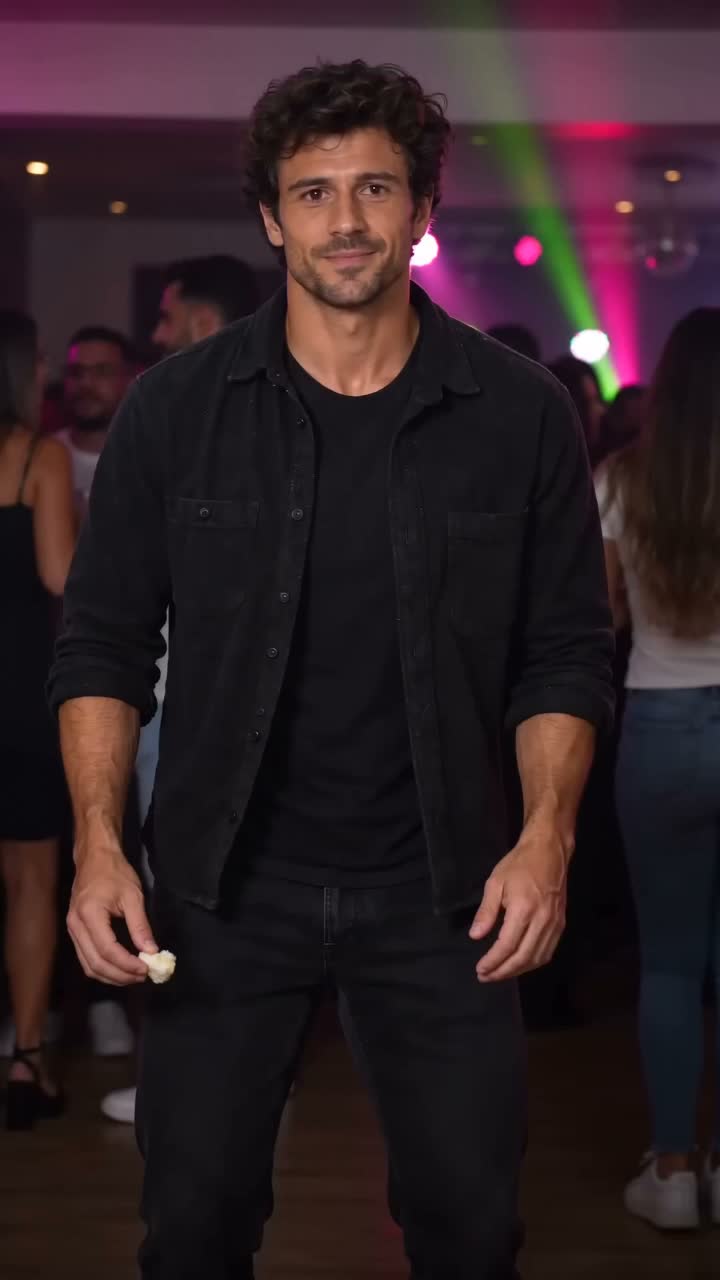
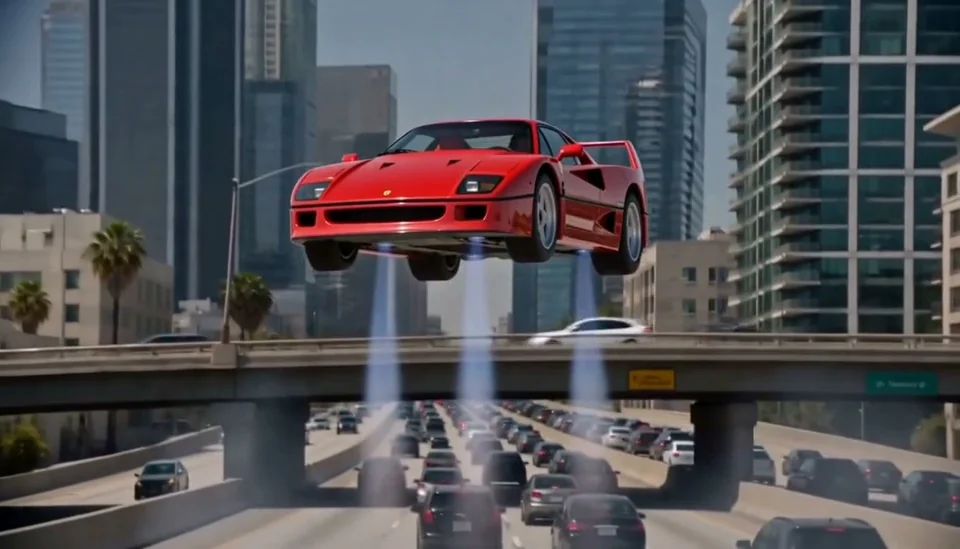
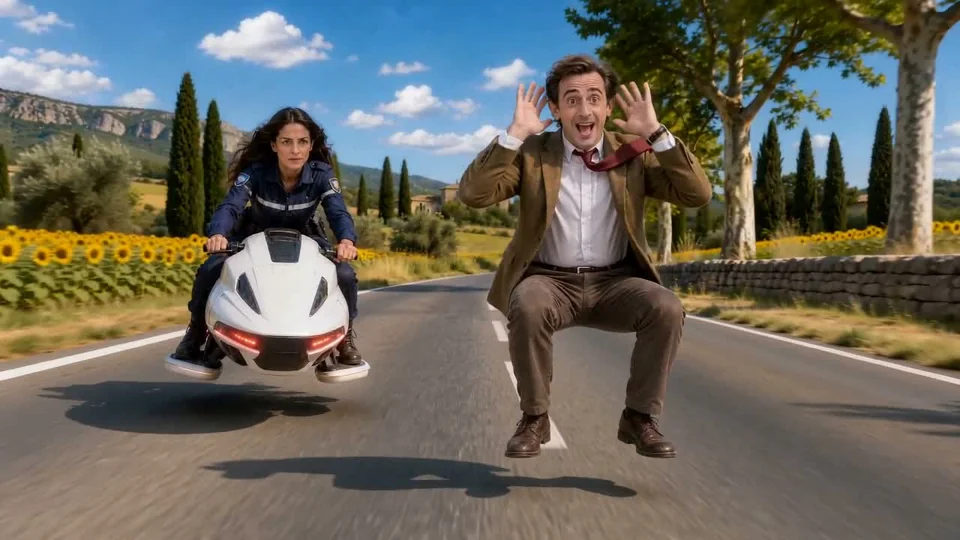
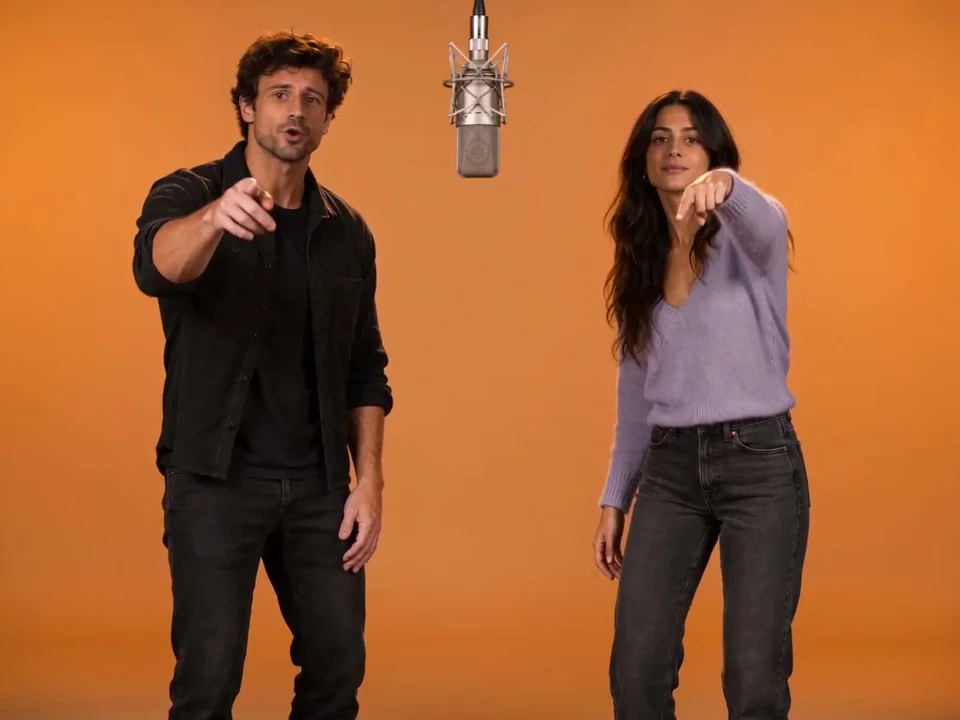
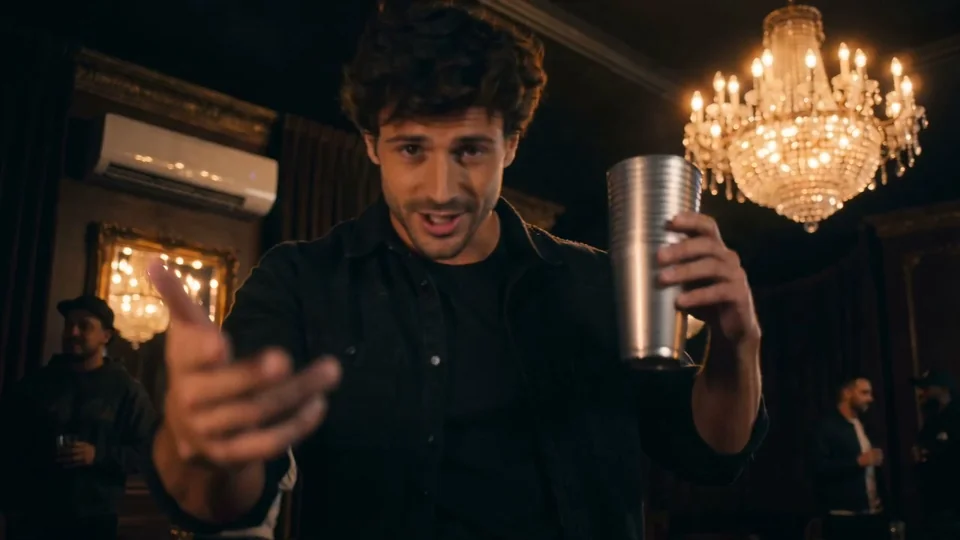
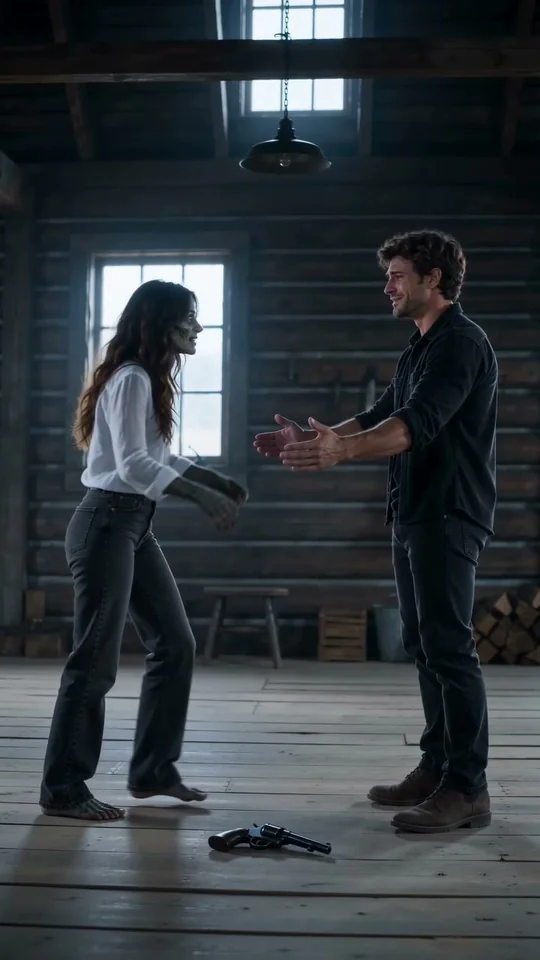
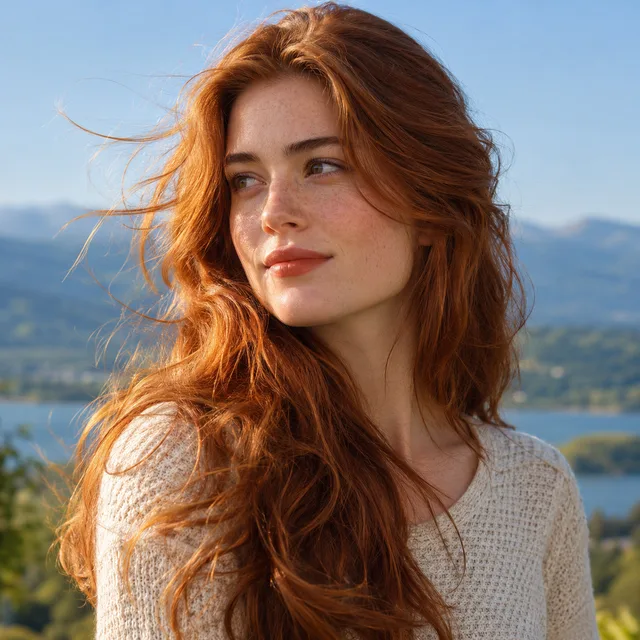
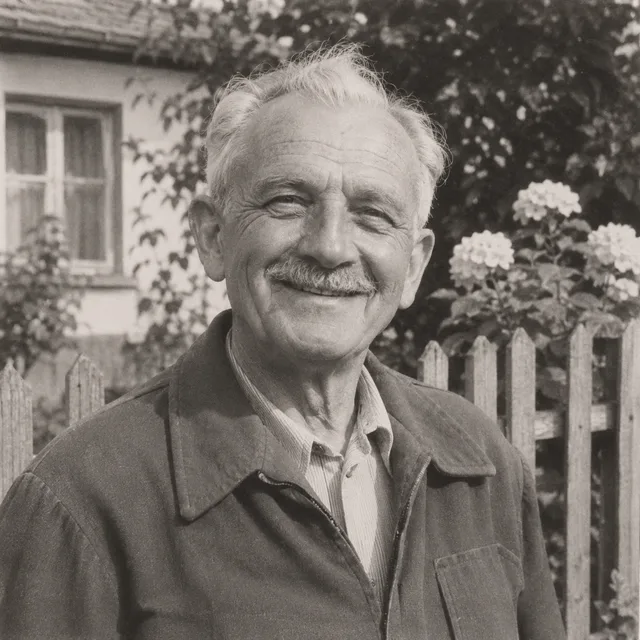
A photo to video AI generator uses your photos with a prepared template or a motion prompt to create a short video. VidMello has 17 published templates for creating short MP4 clips. Most templates provide a setting; Pick It Up uses your photo’s person, outfit and background. Trend templates include audio. Photo motion presets produce silent clips, with no filming or prompt writing required. Photo requirements and clip lengths are: Pick It Up Dance AI: one photo, 14 s; I Love The Smiths AI: two photos, 15 s; AI Tiny Desk: lead singer portrait; optional bandmates depend on the selected mode, 19 / 15 s; KDA Firestarter AI Dance: one photo, 13 s; UNO Card AI: one portrait and a car photo or preset, 11 s; Bby Wow Guy Dance Template: one photo, 7 s; Flying Roadster AI: one portrait and a car photo or preset, 12 s; Crazy Frog AI: one photo, optional second, 6 / 8 s; Hotel Lobby AI: two photos, 13 s; Burning Bridges AI: one photo, 15 s; Zombie Love Story: two photos, 15 s; Smile and Blink: one photo, 6 s; Hair in the Breeze: one photo, 6 s; Rippling Water: one photo, 6 s; Slow Camera Push-In: one photo, 6 s; Old Photo in Motion: one photo, 6 s; Product Turntable: one photo, 6 s.
How do I turn a photo into an AI video?
Follow these three steps:
- Choose a trend template with sound, a fixed photo motion preset, or Custom to use an example prompt or write your own.
- Add the photos, sign in, confirm permission and review the Credit cost. On supported templates, you can scan a QR code to upload photos from your phone. Both Tiny Desk modes support phone uploads.
- Generate your video, then preview and download the MP4 here. If you leave, open History to check progress or download it later.
What can I make with VidMello’s AI video generator?
Create short dance, performance, car-reveal, comedy or couple videos from prepared templates. Your photos supply the people. Most templates provide a prepared setting; Pick It Up uses your photo’s outfit and background. Use photos you have permission to share and review the Credit cost before generating. Photo motion presets animate details such as a portrait, water or a product from a single photo.
Which photos work best, and how many do I need?
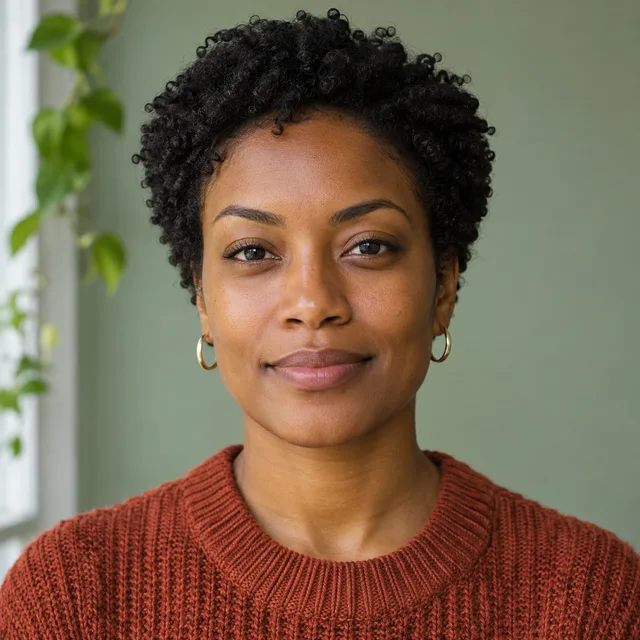
Select a template to see its required and optional slots. Choose sharp, well-lit photos with visible faces. Pick It Up and Firestarter need full-body shots. For Hotel Lobby, try separate photos of people or pets. For car scenes, add a vehicle photo or select an available preset. Avoid group shots and heavy filters.
Do I need to film myself, write a prompt or install an app?
Templates supply the motion without a prompt. In Custom, use an example prompt as it is, edit it or write your own. Both modes work in your browser with a photo. No filming or app installation is required. Sign in to submit a generation and access your private videos.
Is it free, and how much does an AI video cost?
The tool shows the Credit cost for your selected template and output settings before you generate. All packs add to the same VidMello Credit balance. Use it for templates and Custom videos. One-time packs are Lite USD 6.99 (5 Credits · Per 480p video USD 6.99), Starter USD 9.90 (10 Credits · Per 480p video USD 4.95, 29% less than Lite · Per 720p video USD 9.90), Trio USD 24.90 (30 Credits · Per 480p video USD 4.15, 41% less than Lite · Per 720p video USD 8.30, 16% less than Starter), Creator USD 59.90 (80 Credits · Per 480p video ≈ USD 3.74, 46% less than Lite · Per 720p video ≈ USD 7.49, 24% less than Starter). You pay the full pack price upfront; applicable tax appears at checkout. No subscription or automatic renewal. Registration does not include free Credits. Choosing a photo is free. Generation uses Credits; buy a one-time pack when your balance is insufficient. Downloading a completed video costs no extra.
How long does generation take? Can I leave the page?
Processing depends on the queue; clip length is not waiting time. Once accepted, your job continues on the server even if you close the page. Watch the status here and download the finished MP4, or open History if you have left the page.
What video length, quality and aspect ratio will I get?
Custom turns one photo into a silent 480p MP4. Choose 5 or 10 seconds and 9:16 or 16:9 at 1 Credit per second. For fixed recipes and trend templates, see the table below.
Listed clip lengths. The Crazy Frog durations follow the countryside and office scenes. Output follows the resolution and aspect ratio in this table. Existing landscape videos are not converted to portrait.| Template | Length (seconds) | Resolution | Aspect ratio |
|---|
| Pick It Up Dance AI | 14 | 480p / 720p | 9:16 |
|---|
| I Love The Smiths AI | 15 | 480p / 720p | 16:9 |
|---|
| AI Tiny Desk | 19 / 15 | 720p / 768p | 9:16 |
|---|
| KDA Firestarter AI Dance | 13 | 480p / 720p | 9:16 |
|---|
| UNO Card AI | 11 | 480p / 720p | 9:16 / 16:9 |
|---|
| Bby Wow Guy Dance Template | 7 | 480p / 720p | 9:16 |
|---|
| Flying Roadster AI | 12 | 768p | 16:9 / 9:16 |
|---|
| Crazy Frog AI | 6 / 8 | 480p / 720p | 16:9 |
|---|
| Hotel Lobby AI | 13 | 480p / 720p | 4:3 / 9:16 / 16:9 |
|---|
| Burning Bridges AI | 15 | 480p / 720p | 16:9 / 9:16 |
|---|
| Zombie Love Story | 15 | 480p / 720p | 9:16 |
|---|
| Smile and Blink | 6 | 480p | 9:16 |
|---|
| Hair in the Breeze | 6 | 480p | 9:16 |
|---|
| Rippling Water | 6 | 480p | 9:16 |
|---|
| Slow Camera Push-In | 6 | 480p | 9:16 |
|---|
| Old Photo in Motion | 6 | 480p | 9:16 |
|---|
| Product Turntable | 6 | 480p | 9:16 |
|---|
Is music included? Can I use my own audio?
Trend templates include audio. In History you can download the MP4 with its audio or a silent copy at no extra Credits. Photo motion presets and Custom deliver a silent MP4. To add your own audio, open the downloaded clip in a video editor.
Will my result look exactly like the sample?
Your photos supply the people and the template supplies the performance. AI-generated likeness, movement, timing and framing vary with the input photo. Preview the complete MP4 before posting. Most templates supply a setting; Pick It Up uses your photo’s outfit and background. Another generation uses Credits.
Can I download the video without a watermark?
Yes. Preview your completed video here and download the MP4 without a VidMello watermark. You can edit it elsewhere. Save it within 30 days: uploads and results are retained for up to 30 days, and private links expire.
Are my photos and videos public?
Uploads and results are private by default and are not displayed in a public gallery. Files selected on the device preview locally until you sign in and submit a generation. With supported phone transfer, photos upload privately when you explicitly send them, before generation. Input images are shared with the video provider for generation. If you actively create a Send to phone link, anyone holding it can view and download until it expires or is revoked. See the Privacy Policy for retention and contact details.
What if generation fails, or I do not like the result?
Failed generations automatically return reserved Credits. Completed videos use Credits even if the creative result differs from expectations; this alone does not qualify for a free retry or automatic refund. Pack refunds follow the Refund Policy. Purchased Credits do not expire.
Can I post my video on TikTok, Reels or Shorts?
Yes. Download your MP4 with audio, or use the Silent MP4 to add an authorized platform sound in another editor. Choose a supported portrait format or reframe in your editor. Use authorized photos and follow the platform’s rules; included music does not grant a separate commercial license.
Can I upload photos from my phone while creating on a computer?
Yes, on supported templates when Upload from phone is available. Sign in on your computer, open the QR code and scan it with your phone; no phone sign-in is required. The QR expires after 10 minutes. Photos are uploaded privately when you explicitly send them, before generation, and unused transfer photos expire after 2 hours. Existing photos are kept unless you choose to replace them. Tiny Desk Full Band accepts JPG/PNG up to 10 MB per photo, with a singer required for generation and optional bandmates; you can mix phone photos with local computer files. Classic supports a singer and optional saxophone photo. Sending photos does not start or charge for generation.
Can I scan a QR code to watch and download my finished video?
Yes. Sign in on your computer and use Send to phone beside an available completed MP4 in History, then explicitly create the link. This also works for both Tiny Desk modes. Anyone holding that link can preview and download without signing in on the phone. It expires within 24 hours, or sooner if the video expires, and you can revoke it. On iPhone, use the system Share → Save Video action if needed. Downloaded copies cannot be recalled; previously issued media links may remain valid for up to two minutes after revocation. The phone browser hides these scan-to-phone buttons.