Crazy Frog AI guide
Crazy Frog AI Prompt Guide: Keep the Motorcycle Invisible and the Rider Consistent
The invisible motorcycle is an absence you have to describe. A person crouching beside a visible scooter is a different joke; so is someone running while a chaser follows. A useful Crazy Frog AI prompt defines the seated posture, the empty space underneath it and who is allowed to have a vehicle.
By VidMello · · 6 min read
First, watch what must stay visible
In our countryside sample, the rider travels with bent knees while the pursuer has a white hover bike. The space beneath the rider stays empty. The flip briefly breaks that seated silhouette, then the rider returns to the pose and pulls away. Look at the whole body and the gap behind it, not just the face.
Those are the visual constraints the example prompt below tries to express. The embedded clip is an actual output of our prepared countryside template. It was not generated by submitting the public example prompt in this article, so it should not be treated as a test of that text.
Actual input → Complete generated video
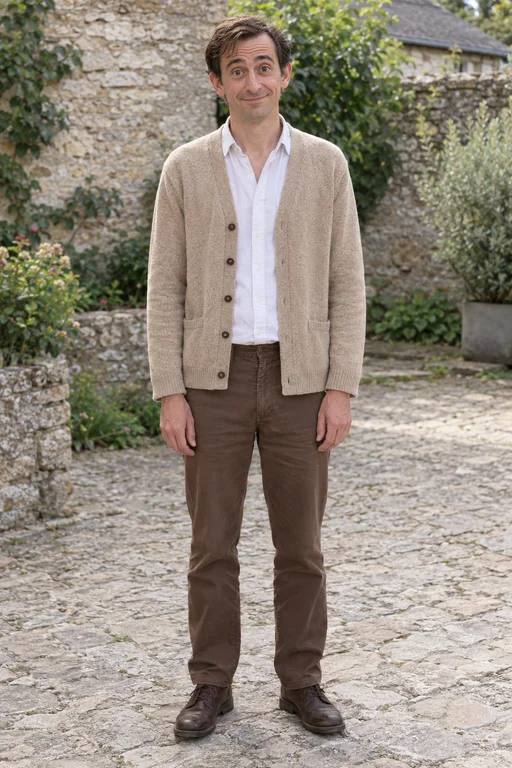
Rider
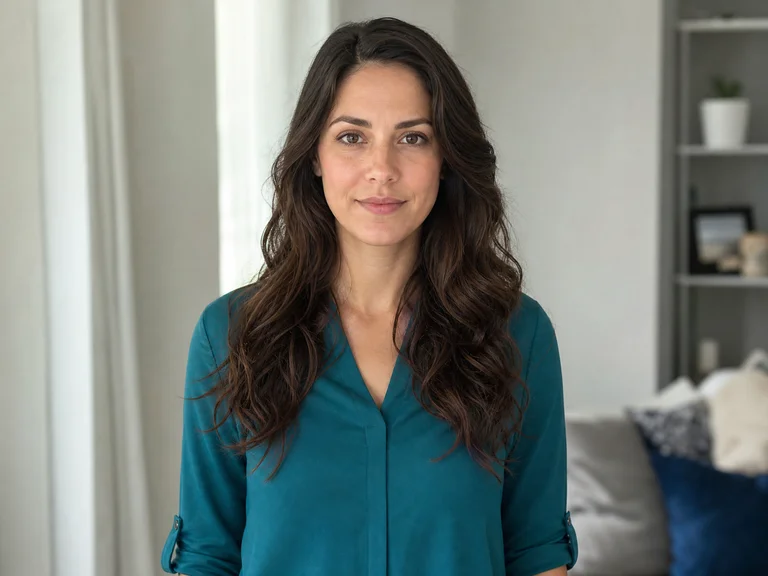
Default AI chaser
6 seconds · Landscape 16:9 · Music included
Our prepared countryside result: an invisible ride for the foreground person, a visible hover bike for the chaser. Use it to understand the difference between the two roles.
People in these examples are AI-created adult characters, not customer uploads. Your result can vary.
A starting prompt for a reference-guided chase
Use this original example only in a tool mode that supports the references you supply. It assumes a chase video you may use, one rider image and, optionally, one chaser image. Replace the bracketed names with the labels recognized by your tool. If you omit the chaser photo, retain the reference clip’s pursuer rather than mentioning a missing Image 2.
This is an editable starting point, not our production recipe or a tested universal fix. Keep the source clip’s supported duration and framing. Do not ask for a flip if your chosen reference never shows one, or assume a model accepts video and two images simply because another mode does.
Use [CHASE VIDEO] as the motion and camera reference. [RIDER PHOTO] identifies the foreground rider. If supplied, [CHASER PHOTO] identifies the separate pursuer behind; otherwise keep the reference pursuer. Keep each face and hairstyle distinct throughout. The rider moves forward in a compact seated pose: hips low, knees bent, feet parallel above the ground, torso slightly forward and fists held as if gripping imaginary handlebars. Keep visible empty space and road beneath the rider. No motorcycle, wheels, seat, platform or handlebars under the rider or in their hands. A visible vehicle belongs only to the chaser when present in the reference. Follow the reference’s travel direction, front-to-back spacing and continuous camera movement. If the reference includes a forward flip, retain one flip and return the rider to the bent-knee riding pose. Keep the chaser behind and make the final escape readable. Do not add a second flip, swap identities, merge bodies or replace the ride with running. Keep faces readable when visible. No added captions or logos.
If a real bike appears, describe the pose before the object
Check whether your instructions mostly describe a motorcycle or mostly describe a person’s posture. The rider should have a lowered hip position, bent legs, feet clear of the ground and empty hands extended forward. Naming the object and adding the word invisible leaves much more for the model to interpret.
Make the prohibition local to the rider. Banning all wheels or all chairs from the entire scene conflicts with a chaser who is meant to ride one. In the countryside, the pursuer’s hover bike belongs behind the rider; in the office, a rolling chair belongs under the chaser. Neither is a support for the foreground person.
If the person runs instead, review the feet and hips in the reference. A reference dominated by a running gait asks for a different movement. Simplifying the text cannot be assumed to override incompatible source motion. Change one variable at a time so you can distinguish a pose problem from a casting problem.
If faces swap or change after the flip, separate the roles
Use one person per photo and bind the tool’s actual reference labels to rider and chaser. Do not rely on upload order alone. Describe the rider as the foreground person moving ahead and the chaser as the separate person behind. Avoid requesting extra bystanders or an additional passenger while you are checking those identities.
Inspect the face before the tuck, immediately after the flip and as the rider approaches the camera. The turn and temporary occlusion are where you may notice a mismatch. A sharp portrait supplies better reference information, but prompt wording does not guarantee the face will remain unchanged through fast motion.
An office variation changes more than the background
In our office result, the blue-shirt rider moves through a glass corridor while the second character follows on a rolling chair. The longer eight-second clip gives the escape room to continue down the hallway. The visible shirt is an appearance cue from the rider portrait; the supplied scene defines the corridor and chair.
If you adapt the prompt, align the chaser’s prop, ground surface and camera path with your reference rather than replacing only the word countryside with office. This embedded sample comes from VidMello’s own office setup, not from running the text above with a location word changed.
Actual input → Complete generated video
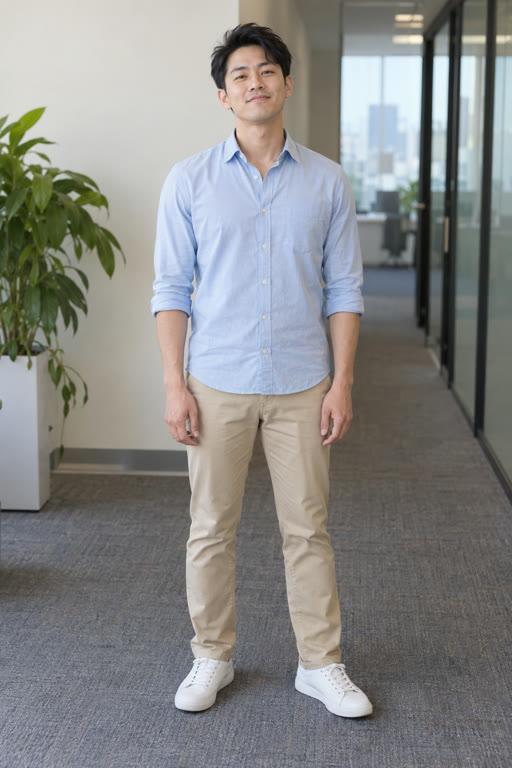
Rider
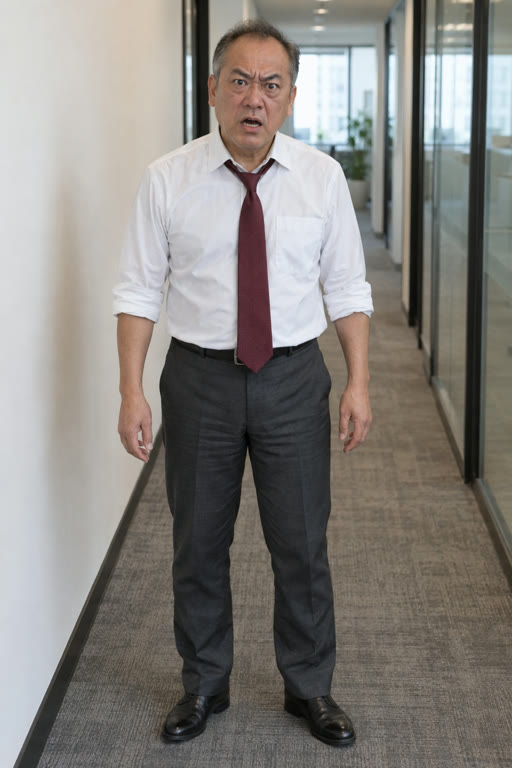
Default office chaser
8 seconds · Landscape 16:9 · Music included
The prepared office result uses a rolling-chair chaser. Notice that the empty space under the rider and the chair under the chaser remain different requirements.
People in these examples are AI-created adult characters, not customer uploads. Your result can vary.
When to stop writing a prompt
If you want either of these two prepared scenes, use the template instead: one adult rider portrait, an optional separate chaser portrait and the selected scene. It uses 10 Credits for a six-second countryside or eight-second office video in landscape 16:9 at 720p. You do not upload a motion clip or paste this prompt into VidMello.
The demo music is added after generation. A sentence about matching the beat does not give our preset audio-driven choreography, and the flip’s timing may vary. Review the whole result before deciding on another paid attempt; a clearer prompt or photo is not a guarantee of improvement.
Frequently asked questions
Can I paste this prompt into VidMello?
The Crazy Frog workbench uses a prepared setup and has no custom prompt box. This article’s example is for a compatible external reference-video workflow.
Why does the chaser have a vehicle if the motorcycle is invisible?
The foreground rider’s ride is invisible. The chaser can have a different, visible prop: a hover bike in our countryside scene or a rolling chair in the office. Keep the no-vehicle instruction specific to the rider.
Does the example prompt guarantee a better result?
No. It is an original, untested starting point explaining roles, posture and motion constraints. The embedded samples were made with our prepared templates, not this public example text.
Should I ask for vertical video?
Use framing your external tool and references support. VidMello’s current Crazy Frog preset produces only landscape 16:9, regardless of suggestions in an external prompt.