What is a photo to video AI generator?
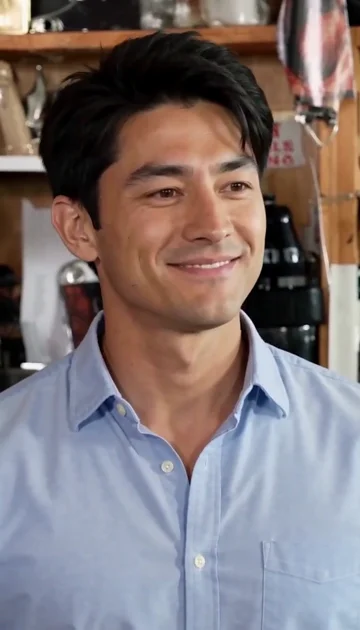
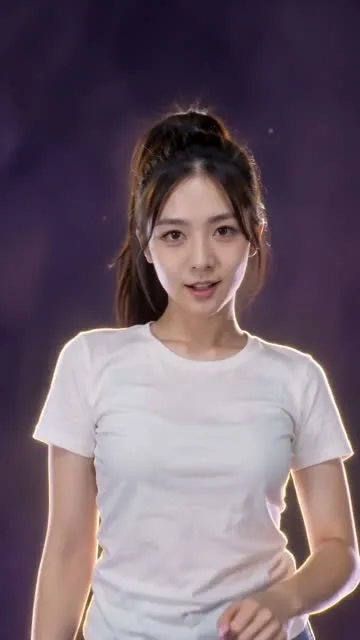
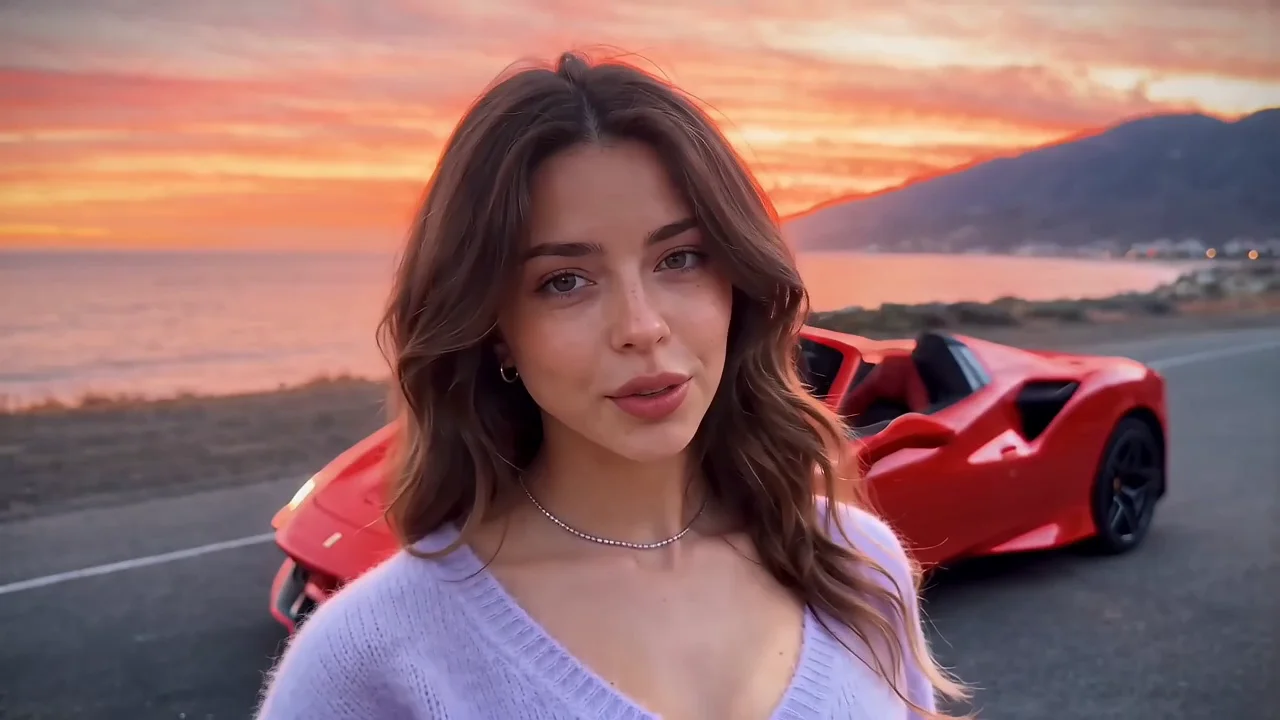
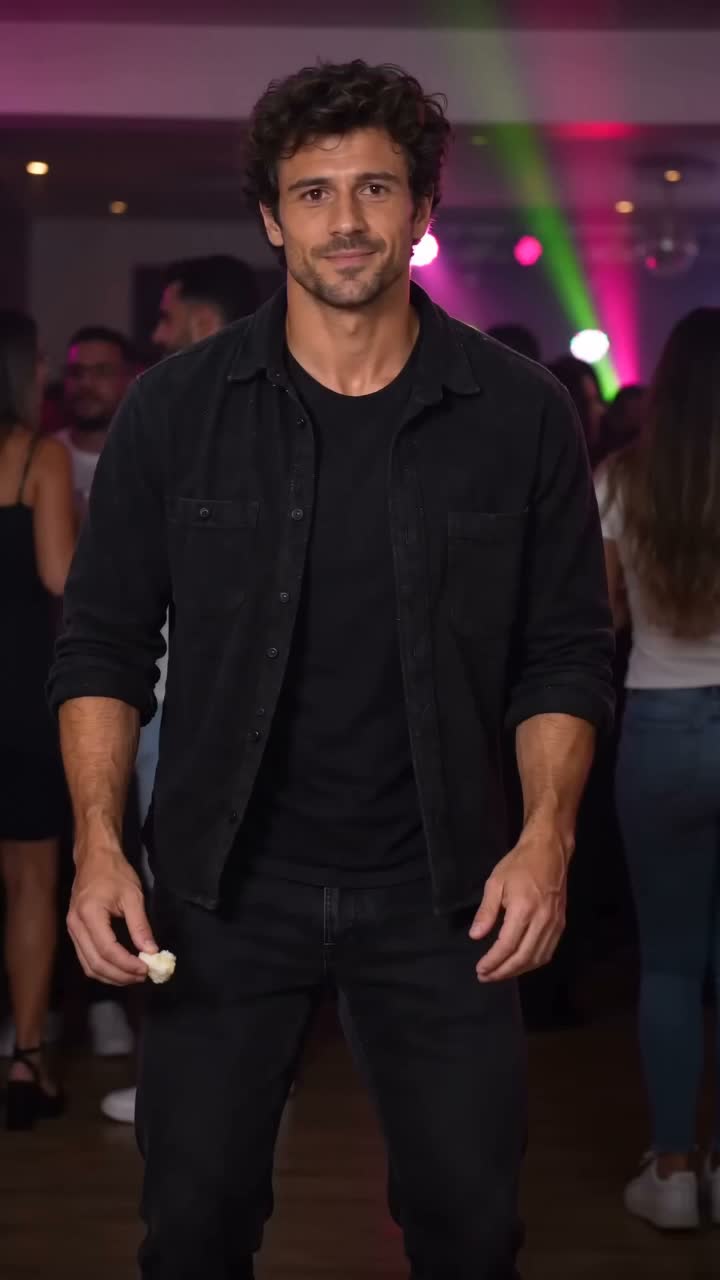
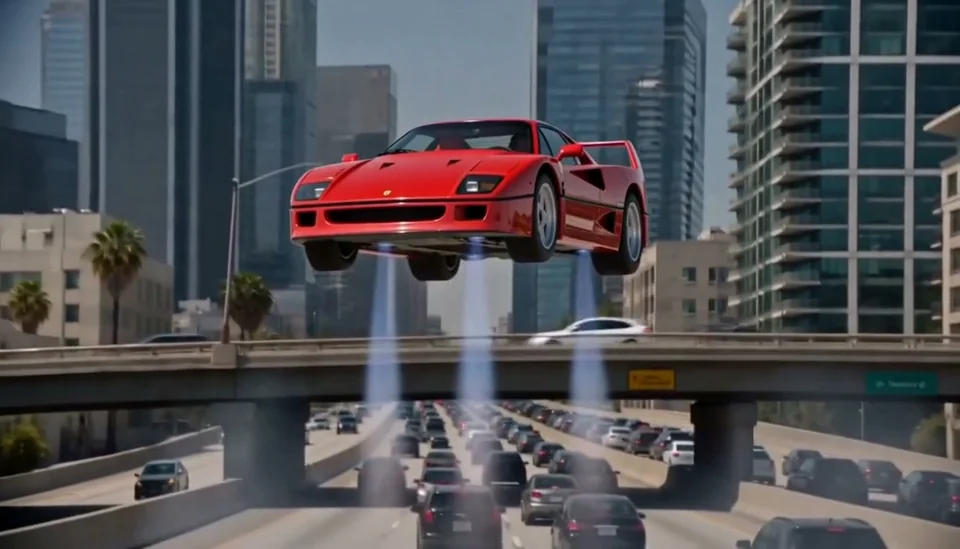
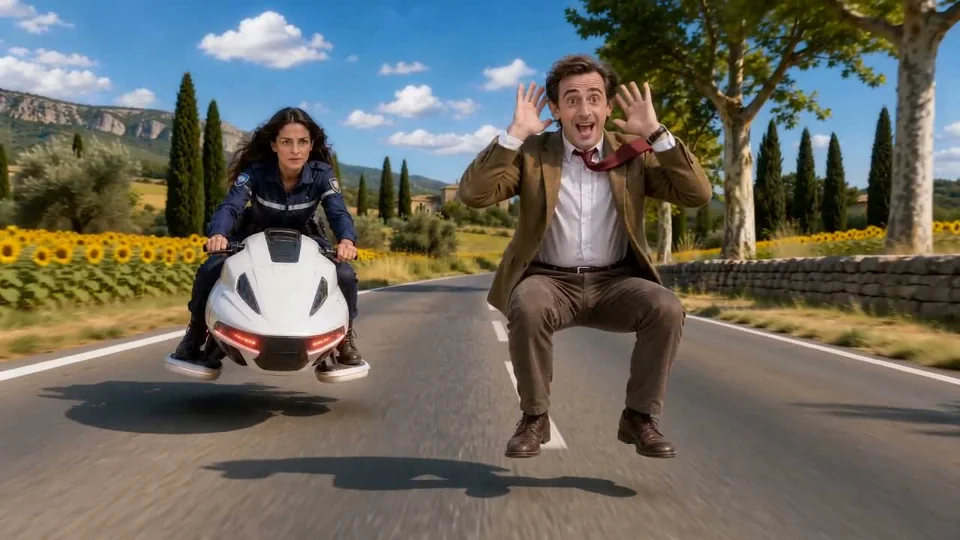
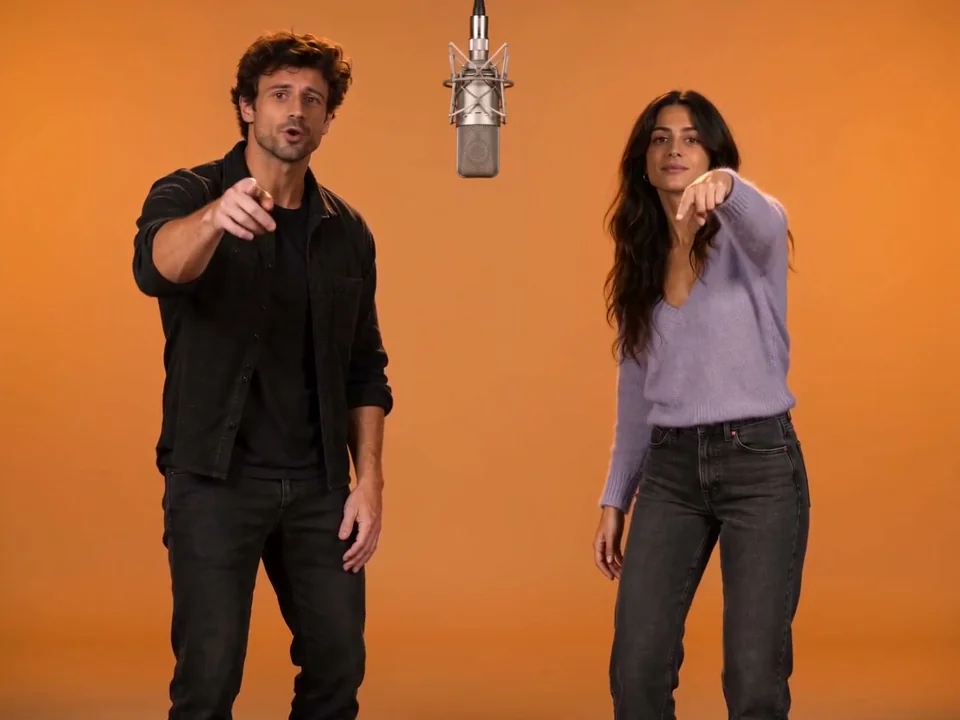
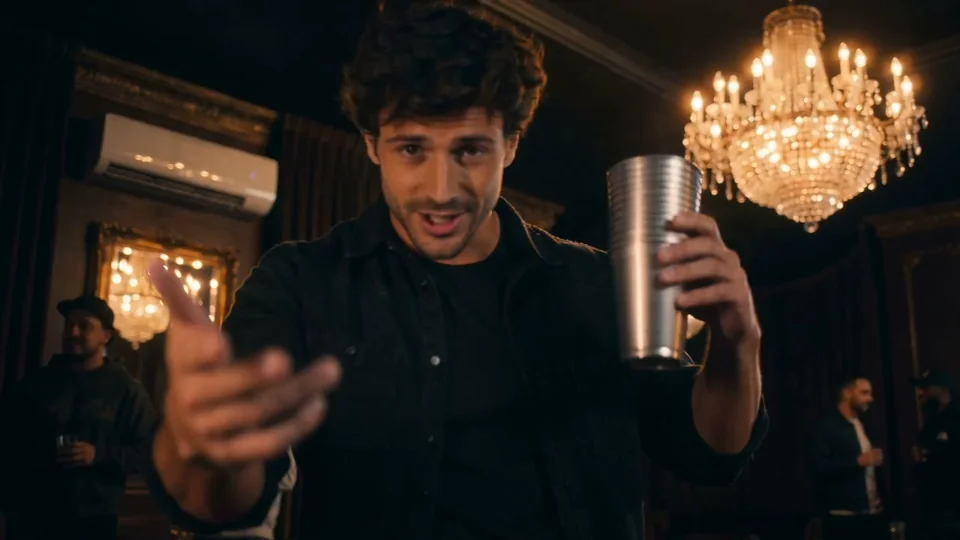
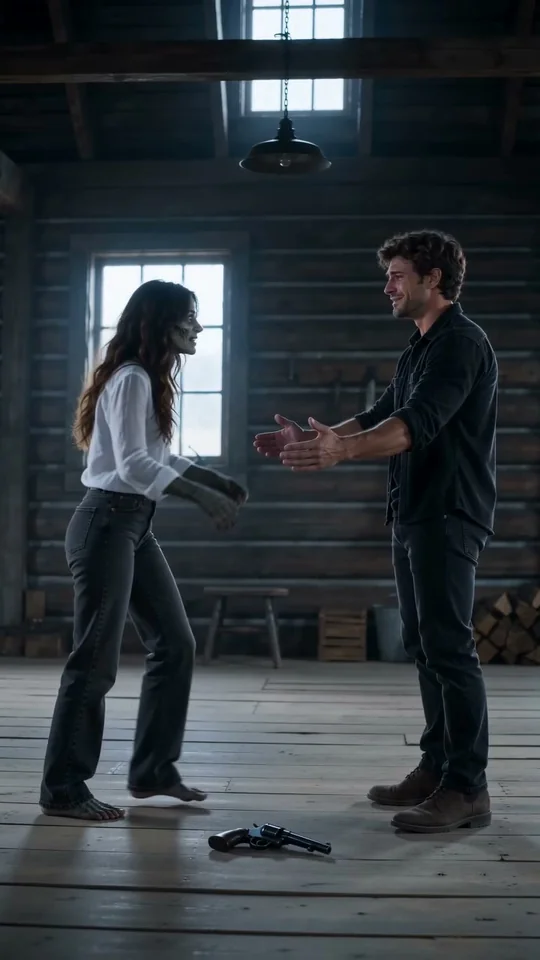
A photo to video AI generator combines your photo with a prepared scene to create a short AI video. VidMello has nine trend templates producing approximately 6–15-second MP4 clips. Photo requirements and clip lengths are: AI Tiny Desk: one photo, optional second, 15 s; KDA Firestarter AI Dance: one photo, 13 s; UNO Card AI: one portrait and a car photo or preset, 11 s; Bby Wow Guy / Dime Dime Baby: one photo, 7 s; Flying Roadster AI: one portrait and a car photo or preset, 12 s; Crazy Frog AI: one photo, optional second, 6 / 8 s; Hotel Lobby AI: two photos, 13 s; Burning Bridges AI: one photo, 15 s; Zombie Love Story: two photos, 15 s.
How do I turn a photo into an AI video?
Create a photo to video AI clip in four steps:
- Choose a trend template and watch its sample.
- Select clear photos that meet the template’s requirements.
- Sign in, confirm photo permission and review the Credit cost before generating.
- Open History to preview the completed video and download the MP4.
What can I make with VidMello’s AI video generator?
Create short dance, performance, car-reveal, comedy or couple videos from prepared templates. You need one or two authorized photos, depending on the template, and Credits to generate. Each template shows its sample and photo requirements before you start.
Which photos work best, and how many do I need?
Use sharp, well-lit photos with visible faces; Firestarter needs a clear full-body photo. Tiny Desk and Crazy Frog accept one portrait plus an optional second. Hotel Lobby and Zombie Love Story need two separate photos; Hotel Lobby also supports pets. Flying Roadster and UNO Card need a portrait plus a car photo or preset. Burning Bridges and Bby Wow Guy each need one portrait. Avoid group shots and heavy filters.
Do I need to film myself, write a prompt or install an app?
No. Choose a template and preview your photos in your phone or desktop browser. The scene and prompt are prepared. Sign in to submit a generation and access your private videos.
Is it free, and how much does an AI video cost?
All current templates use 10 Credits per video. One-time packs are 10 Credits / USD 9.90; 30 Credits / USD 24.90; 80 Credits / USD 59.90. You pay the full pack price upfront; applicable tax appears at checkout. No subscription or automatic renewal. Registration does not include free Credits. Choosing a photo is free. Generation uses Credits; buy a one-time pack when your balance is insufficient. Downloading a completed video costs no extra.
How long does generation take? Can I leave the page?
Processing depends on the queue; clip length is not waiting time. Once accepted, your job continues on the server even if you close the page. Return to History and refresh to check progress, preview and download.
What video length, quality and aspect ratio will I get?
Compare the current output settings by template:
Approximate clip lengths; Crazy Frog: 6 seconds countryside / 8 seconds office. Exact dimensions can vary. Existing landscape videos are not converted to portrait.| Template | Length (seconds) | Resolution | Aspect ratio |
|---|
| AI Tiny Desk | 15 | 768p | 9:16 |
|---|
| KDA Firestarter AI Dance | 13 | 720p | 9:16 |
|---|
| UNO Card AI | 11 | 720p | 9:16 / 16:9 |
|---|
| Bby Wow Guy / Dime Dime Baby | 7 | 720p | 9:16 |
|---|
| Flying Roadster AI | 12 | 768p | 16:9 / 9:16 |
|---|
| Crazy Frog AI | 6 / 8 | 720p | 16:9 |
|---|
| Hotel Lobby AI | 13 | 720p | 4:3 / 9:16 / 16:9 |
|---|
| Burning Bridges AI | 15 | 720p | 16:9 / 9:16 |
|---|
| Zombie Love Story | 15 | 720p | 9:16 |
|---|
Is music included? Can I use my own audio?
Tiny Desk and Flying Roadster include generated audio. Other templates include prepared music; Hotel Lobby also offers a silent option. Burning Bridges offers Download without music in History, without extra Credits or a new generation; framing and expiry stay unchanged. Custom audio upload is unavailable. Added music does not guarantee word-for-word lip sync.
Will my result look exactly like the sample?
No. Samples are selected results. Likeness, hands, motion and timing can vary, especially during turns or occlusion. Review the whole video before sharing. Another photo may change the outcome, but each new attempt uses Credits without a guarantee of improvement.
Can I download the video without a watermark?
Yes. Preview your completed video in private History and download the MP4 without a VidMello watermark. You can edit it elsewhere. Save it within 30 days: uploads and results are retained for up to 30 days, and private links expire.
Are my photos and videos public?
No public gallery displays your uploads or results. Photos preview locally and upload only after sign-in and an explicit generation request. Input images go to the video provider; stored media uses private, expiring links. See the Privacy Policy for retention and contact details.
What if generation fails, or I do not like the result?
Failed generations automatically return reserved Credits. Completed videos use Credits even if the creative result differs from expectations; this alone does not qualify for a free retry or automatic refund. Pack refunds follow the Refund Policy. Purchased Credits do not expire.
Can I post my video on TikTok, Reels or Shorts?
Download the MP4 and use a supported portrait format or your own editor. Only use authorized photos. Included music does not grant a separate commercial license or guarantee platform acceptance. Views, reach and virality are not guaranteed.